DEFCON Todo
DEFCON Todo
A to-do list that sorts itself by urgency, so the thing you need to do next is always at the top.
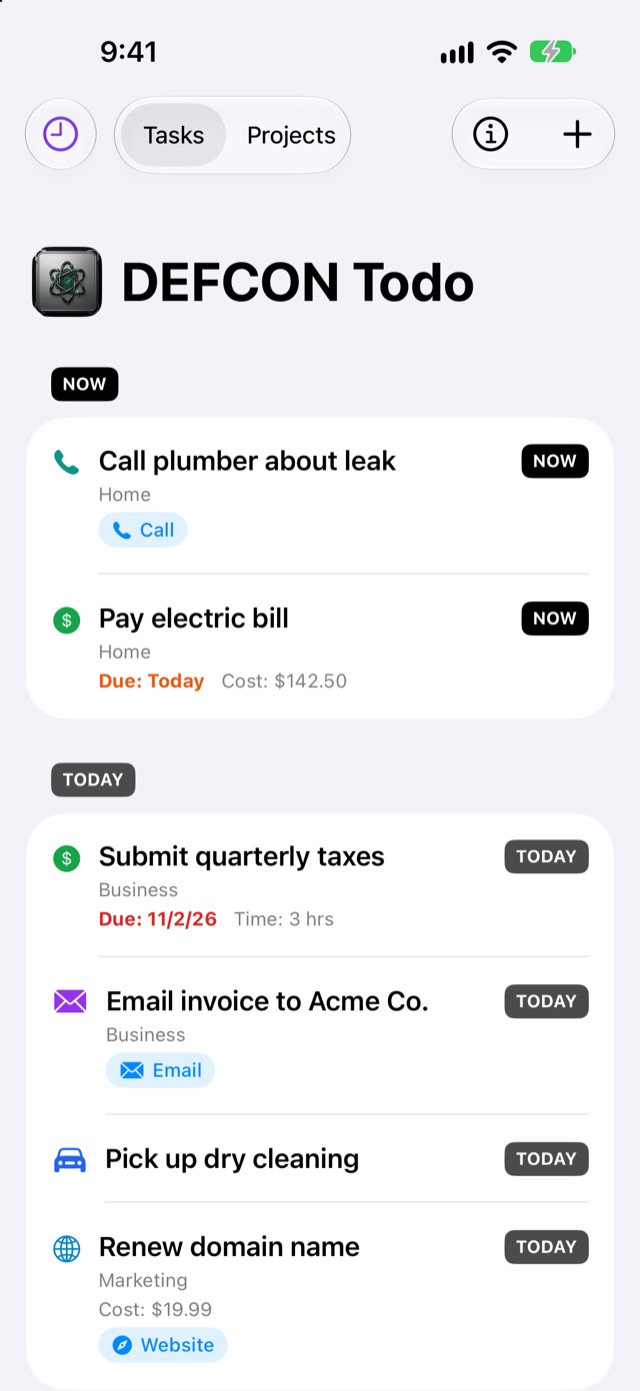
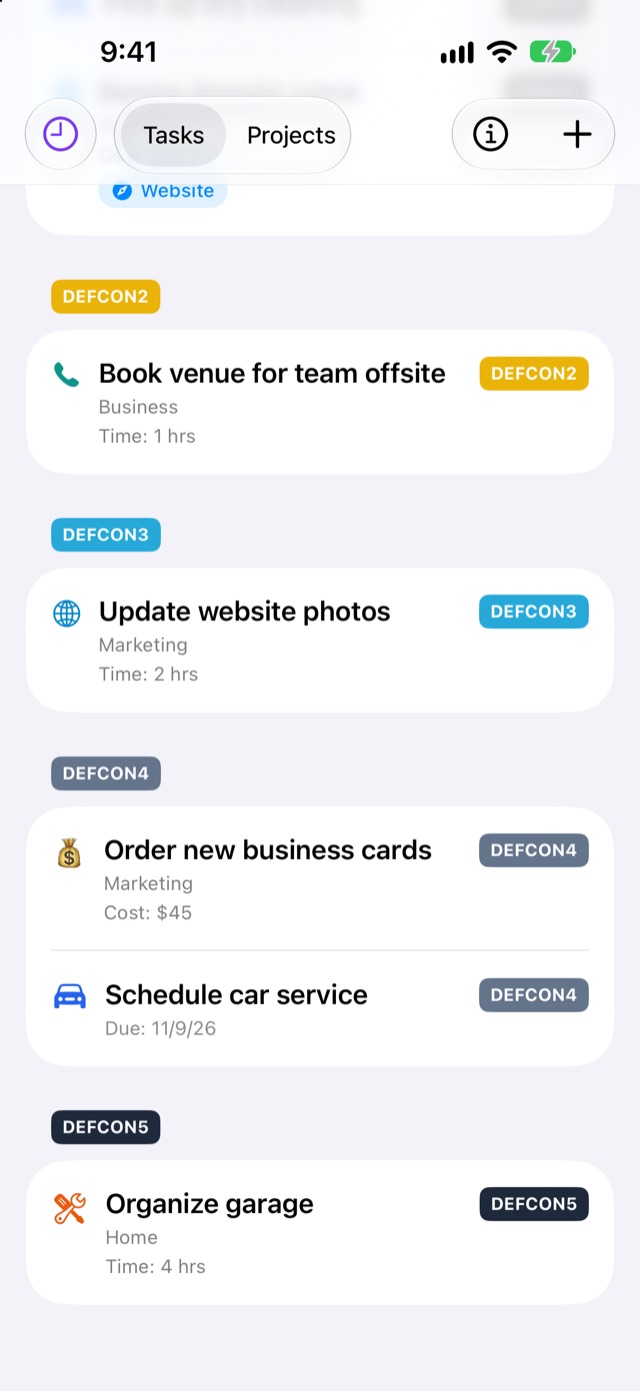
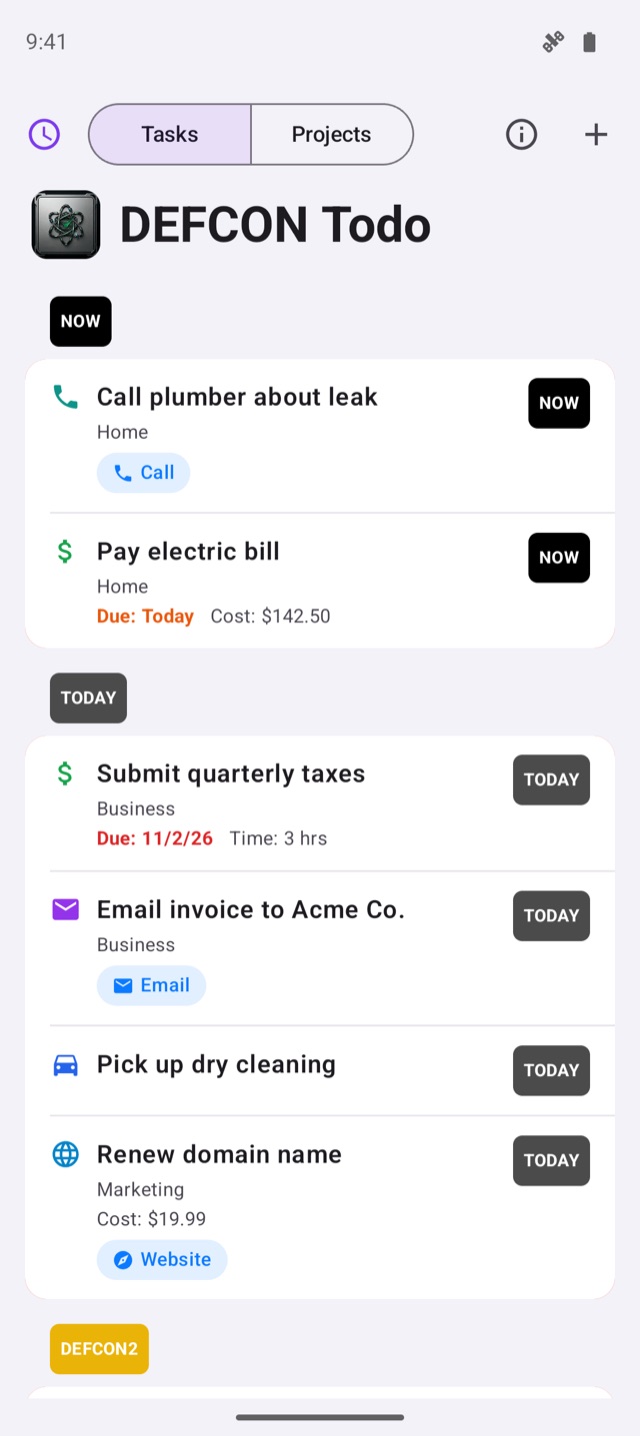
Every task gets a level, from NOW and TODAY through DEFCON 1–5, down to Later, and the list sorts itself so the most urgent work is always on top. No account, no tracking: your list lives only on your phone.
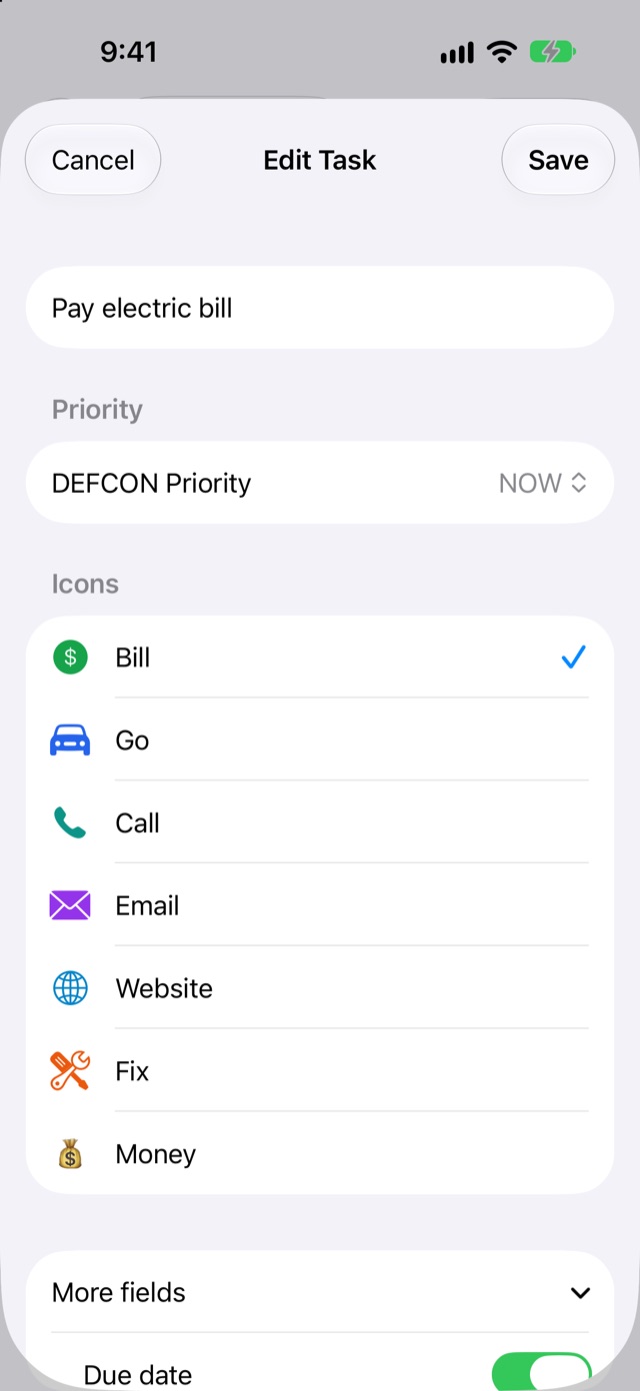
Priority firstEight levels, each with its own color
Eight levels, each with its own color
The list sorts itself by level. Change a level with one tap on its badge, or press and hold to drag tasks into your own order within a level.
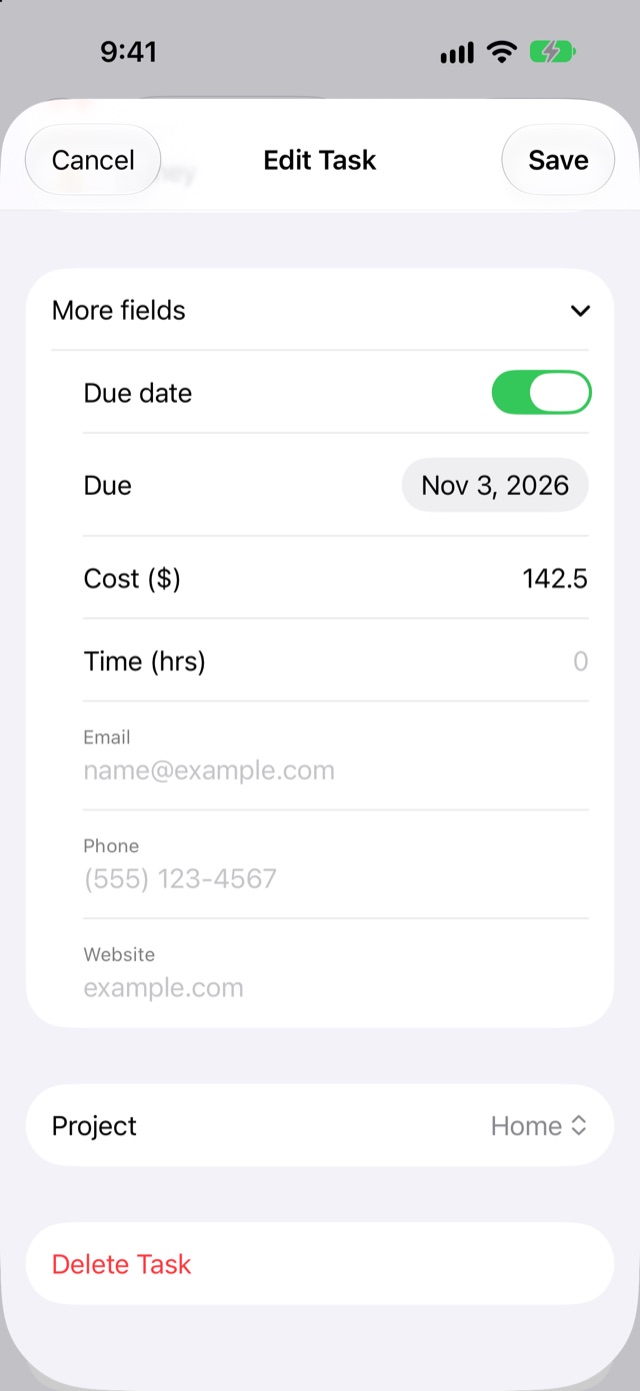
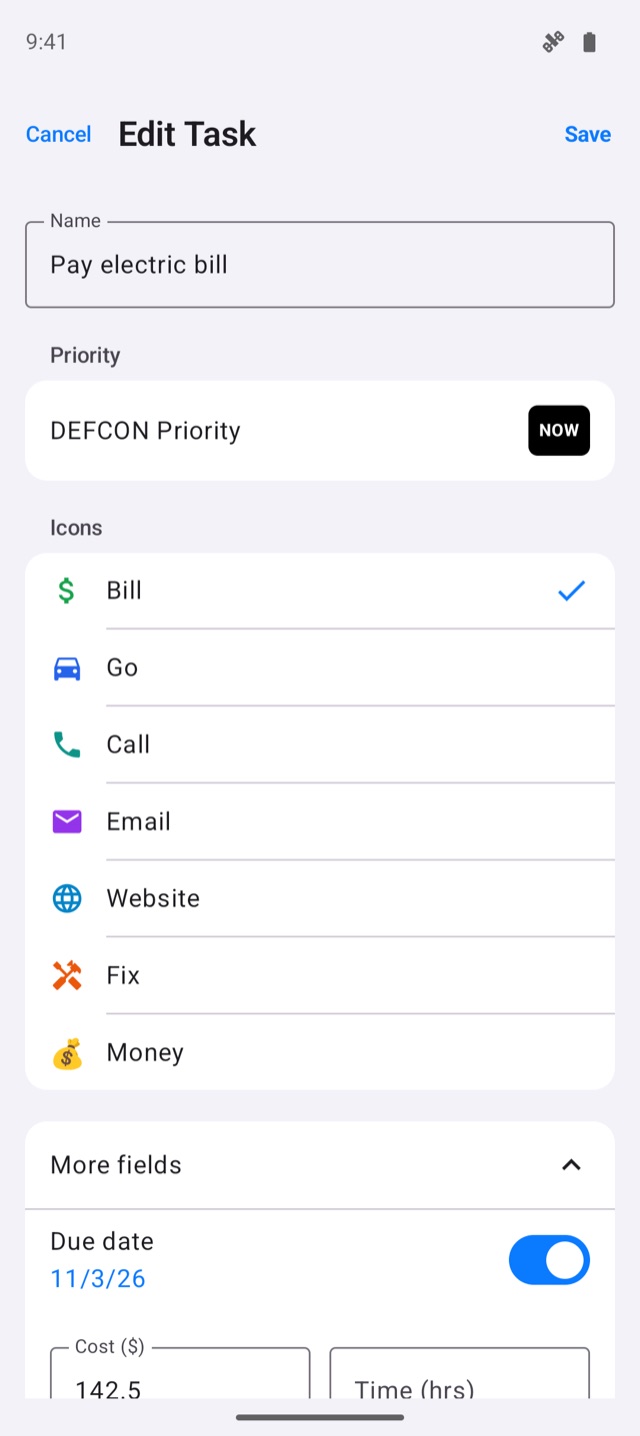
Due tasks move up automatically. When you open the app, anything due today or past due jumps to the top, so a low-priority task with a deadline can’t hide at the bottom. “Due: Today” shows in orange; overdue turns red.
FeaturesEverything it does, at a glance
Organize your way
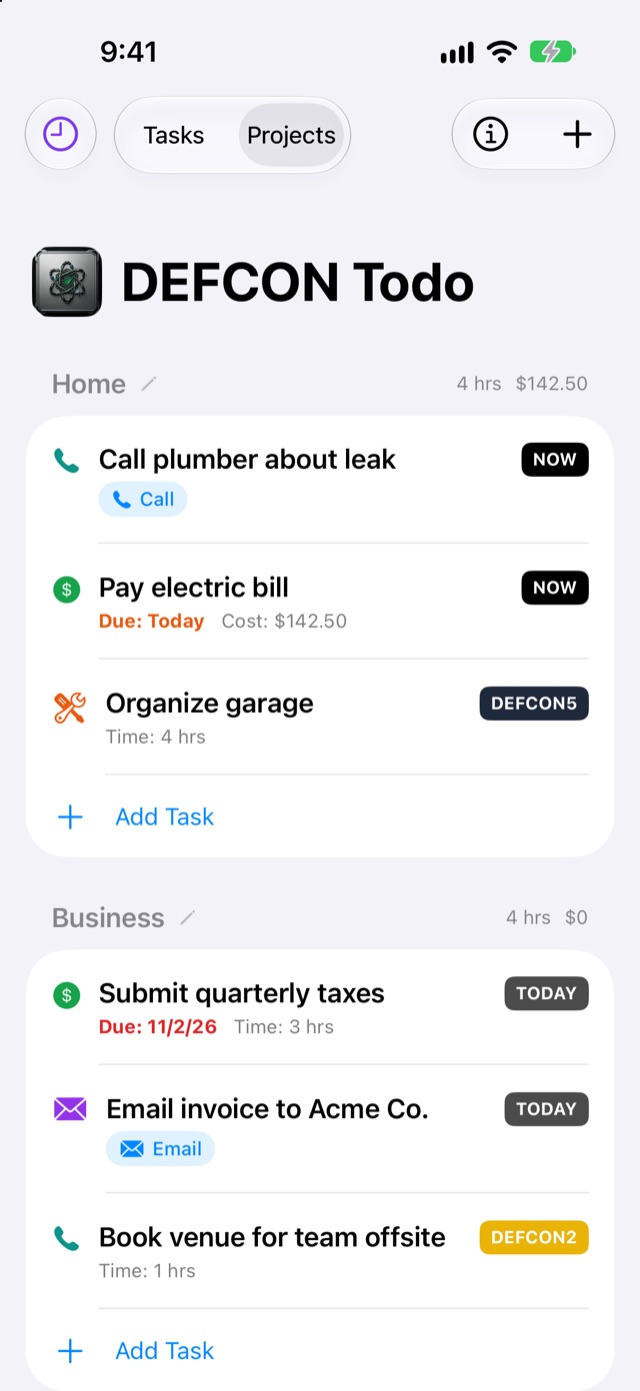
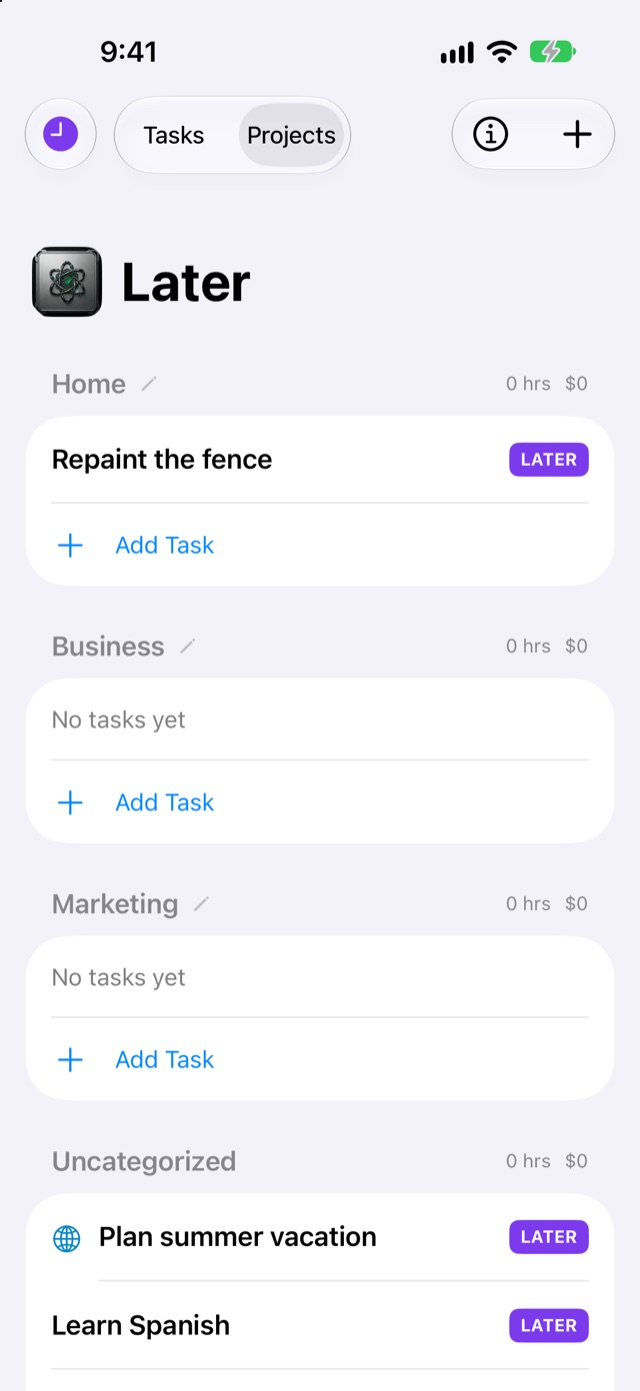
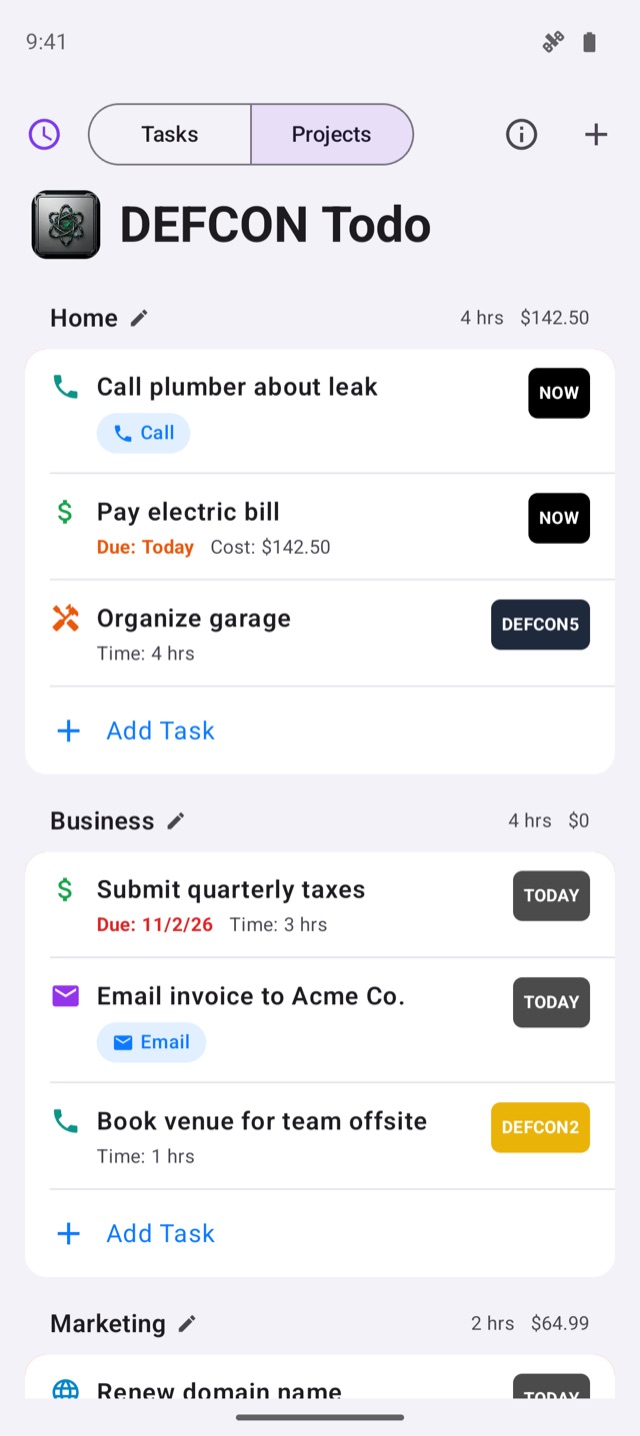
- Two views: Tasks by urgency, or Projects with total hours and cost
- Task icons: Bill, Go, Call, Email, Website, Fix and Money
- Cost, time estimate and status on any task
One-tap actions
- Save a phone number, email or website with a task
- Call, Email, Website buttons right on the task
Later, not lost
- Later tasks stay hidden until you tap the clock button
- The main list only shows what matters now
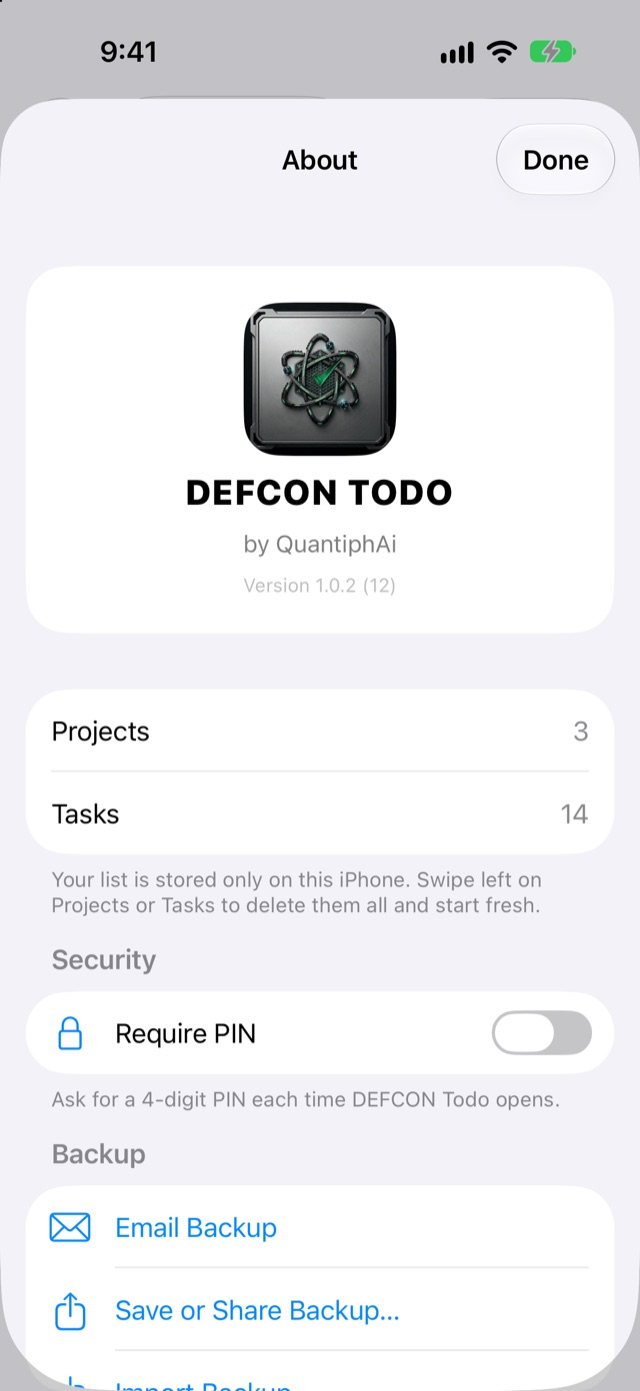
Private by design
- Your list never leaves your phone: no account, no servers, no tracking, no ads
- Optional PIN lock, paused for 30 seconds after 5 wrong tries
Backups that travel
- Email it to yourself, save to Files, or share
- Restore by replacing your list or adding to it
- Works between iPhone and Android
iPhone and Android, same appEvery feature on both
Every feature on both
The same look, the same levels and the same backup file, built natively for each phone.
iPhone
Swift, SwiftUI and SwiftData on iOS 18+, stored on the device.
Android
Kotlin and Jetpack Compose; the list is saved on the device on every change.
PIN
Only a salted SHA-256 hash is kept, in the Keychain or private app storage. The PIN itself is never stored.
Backups
A single .defcon file (JSON) that both apps open directly.
Status: iPhone version 1.0.1 is on the App Store, with 1.0.2 (due dates on tasks, auto-move to TODAY, Fix and Money icons) in TestFlight. Android 1.0.2 has been submitted to Google Play.

HiFAi
The podcast app that removes the ads
Clubtronix
Music-video show system for venues

YOOTUBE
YouTube, minus the noise

SkateFM
Skate jams 24/7 with live DJs
R1NK
The all-in-one rink platform

QuantiphAi Vault
Lets your AI sign in for you
Cupertinoo Clock
The AM/PM widget for iPhone

FlexAi
A Plex player for Mac, Apple TV and iPhone
Switchboard
400+ Mac settings in one app
Get in touch
Questions or ideas about our apps? Want a HiFAi TestFlight invite? Email us.
mail@quantiph.ai