QuantiphAi Vault

QuantiphAi Vault
Your AI assistant can sign in to websites for you without ever seeing your passwords.
AI assistants like Claude can now browse the web and get real work done, but most of that work sits behind a login, and pasting passwords into a chat is a bad idea. With QuantiphAi Vault, your logins stay locked in an encrypted vault in Chrome. When the AI needs to sign in, it asks the vault, and the vault types the username and password straight into the website’s sign-in form. The AI only hears back “filled.”
The AI asks
“I need to sign in to github.com to check the repo settings.”
The vault checks
A login is saved for that exact website, and you’ve allowed it.
The vault types it in
Username, password and even the 2-step code go straight into the page.
The AI is told only
"status": "filled", then it clicks Sign In and carries on.
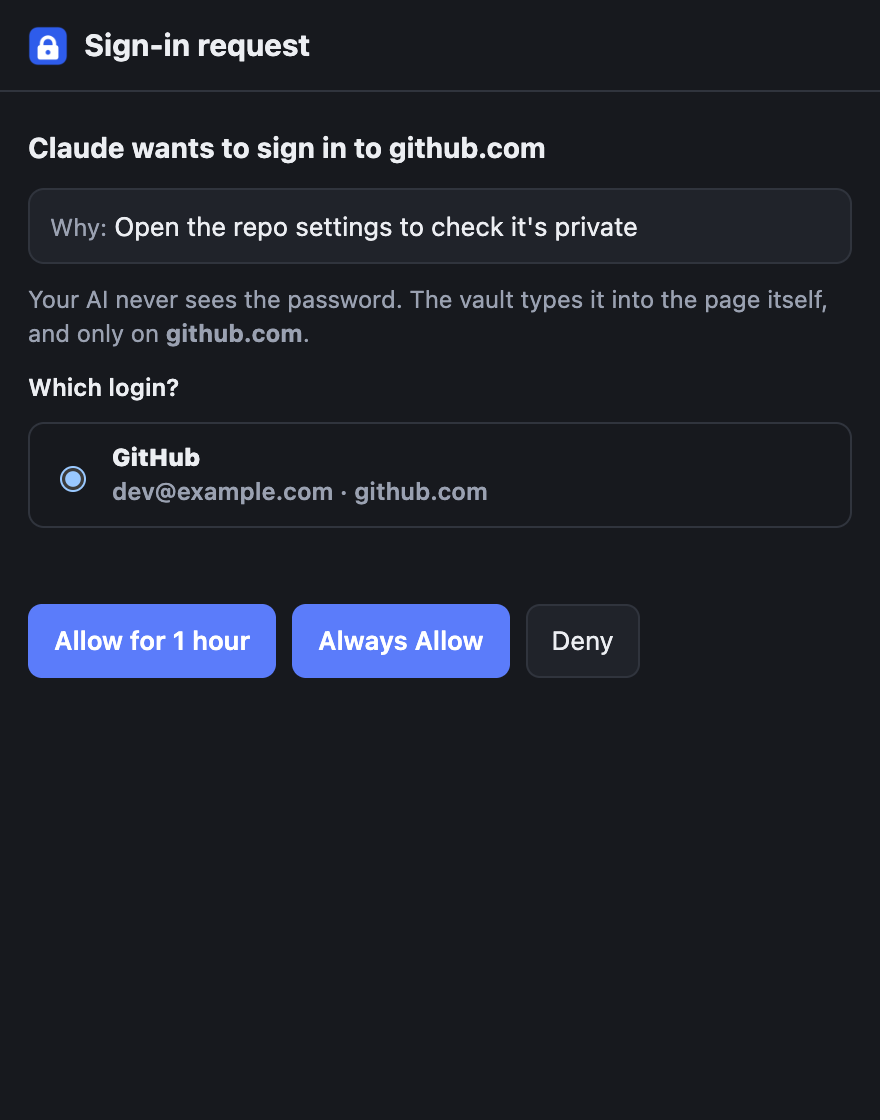
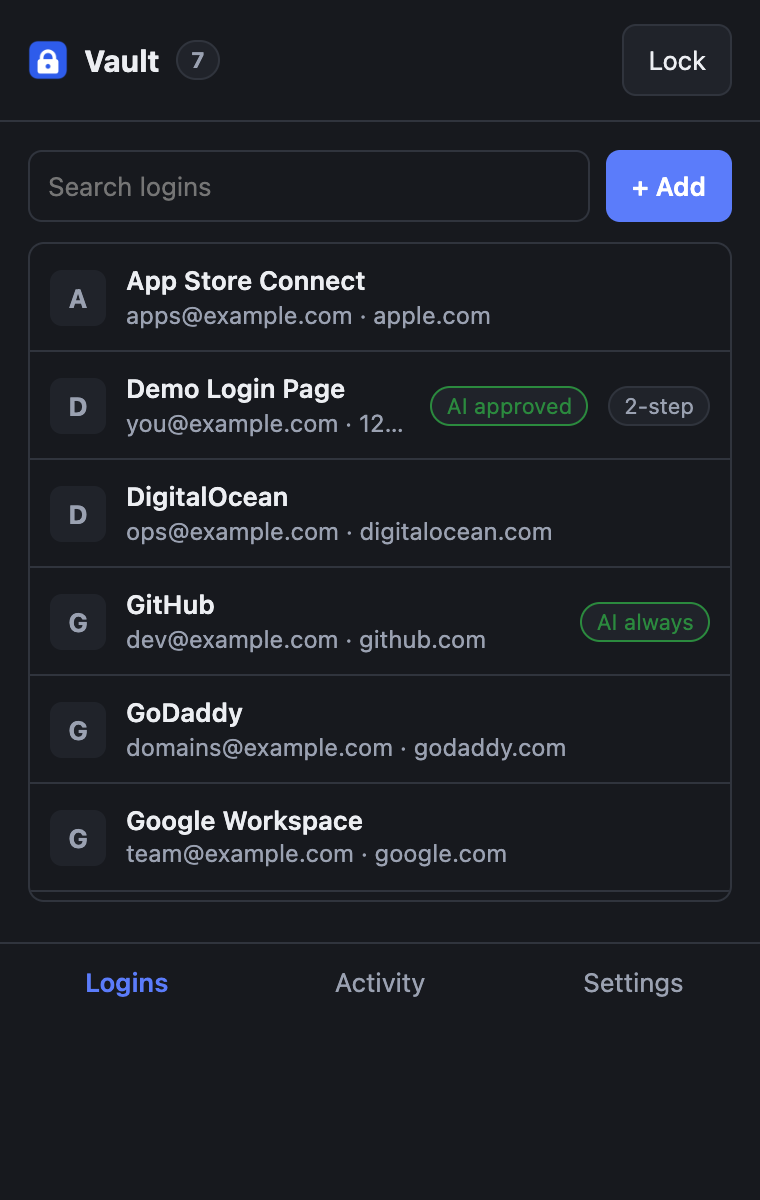
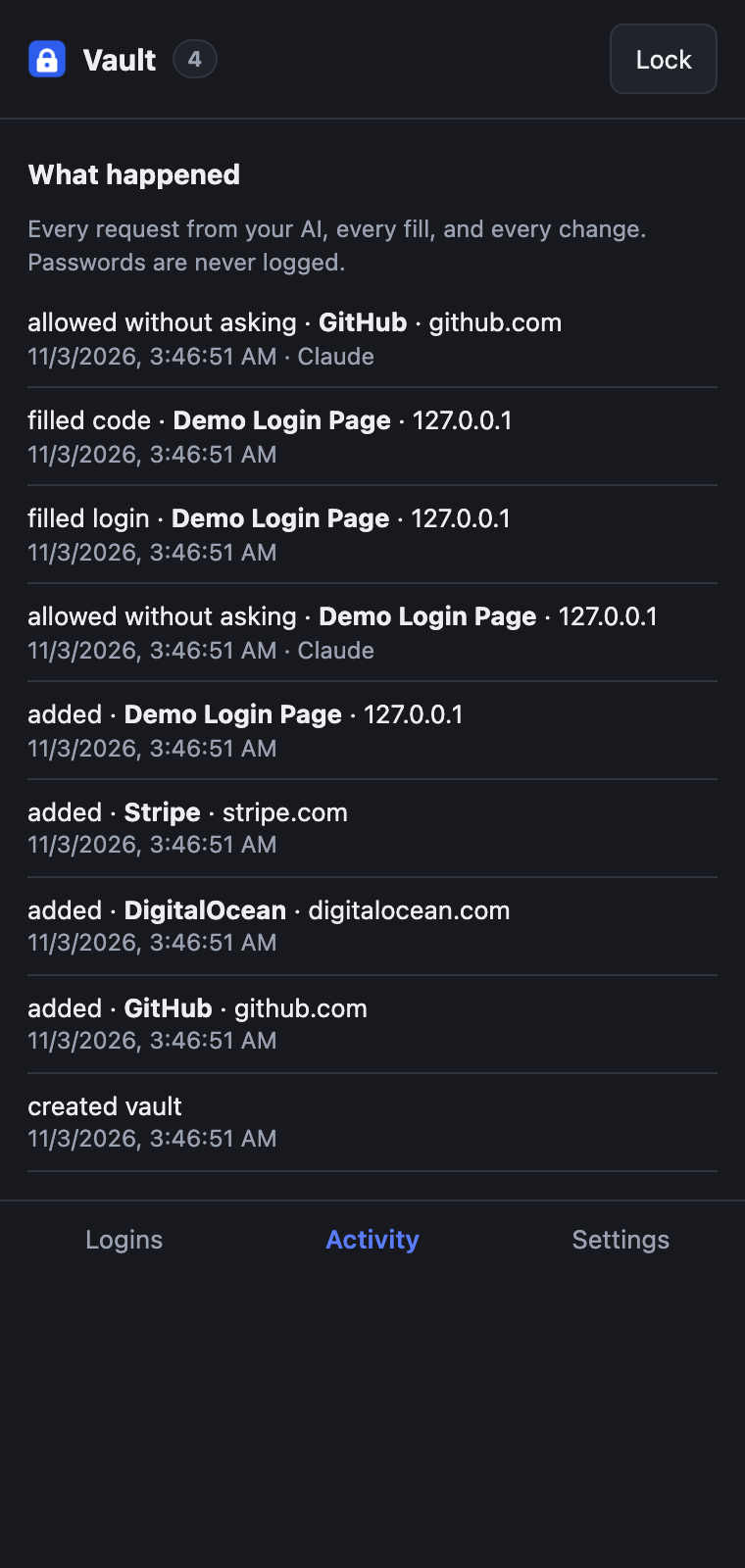
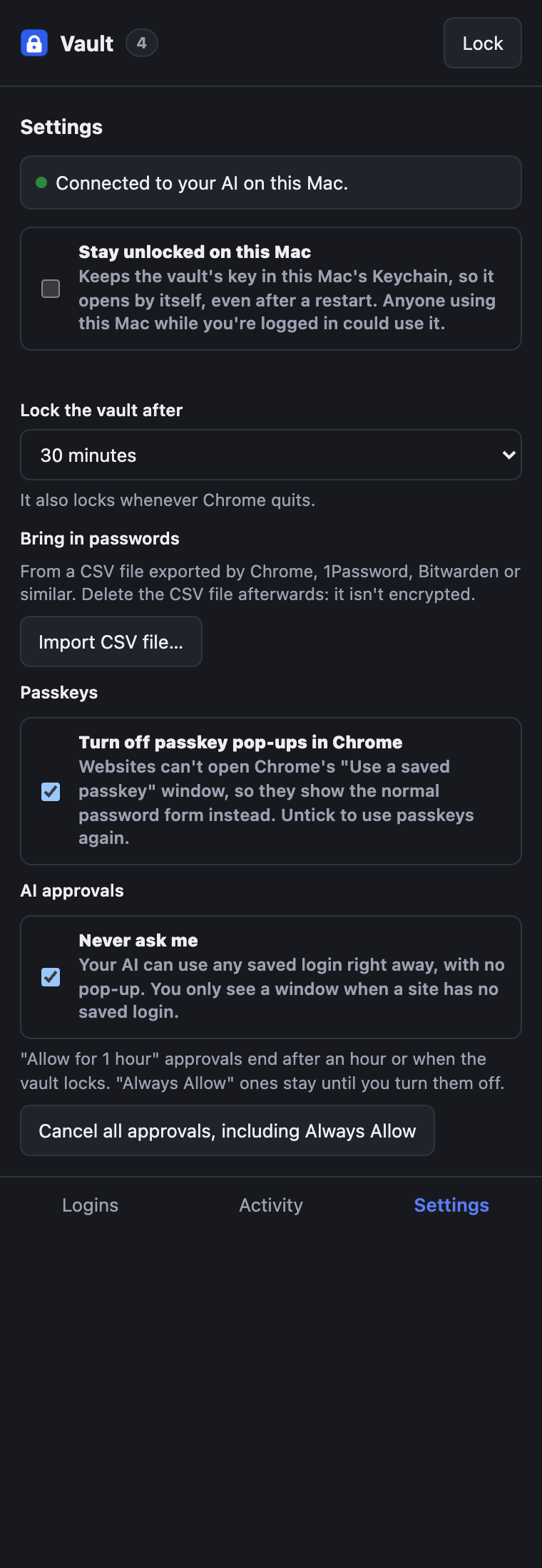
Screenshots use made-up demo logins in a separate test browser.
Your passwords never reach the AIThe vault fills the form; the AI never sees what it typed
The vault fills the form; the AI never sees what it typed
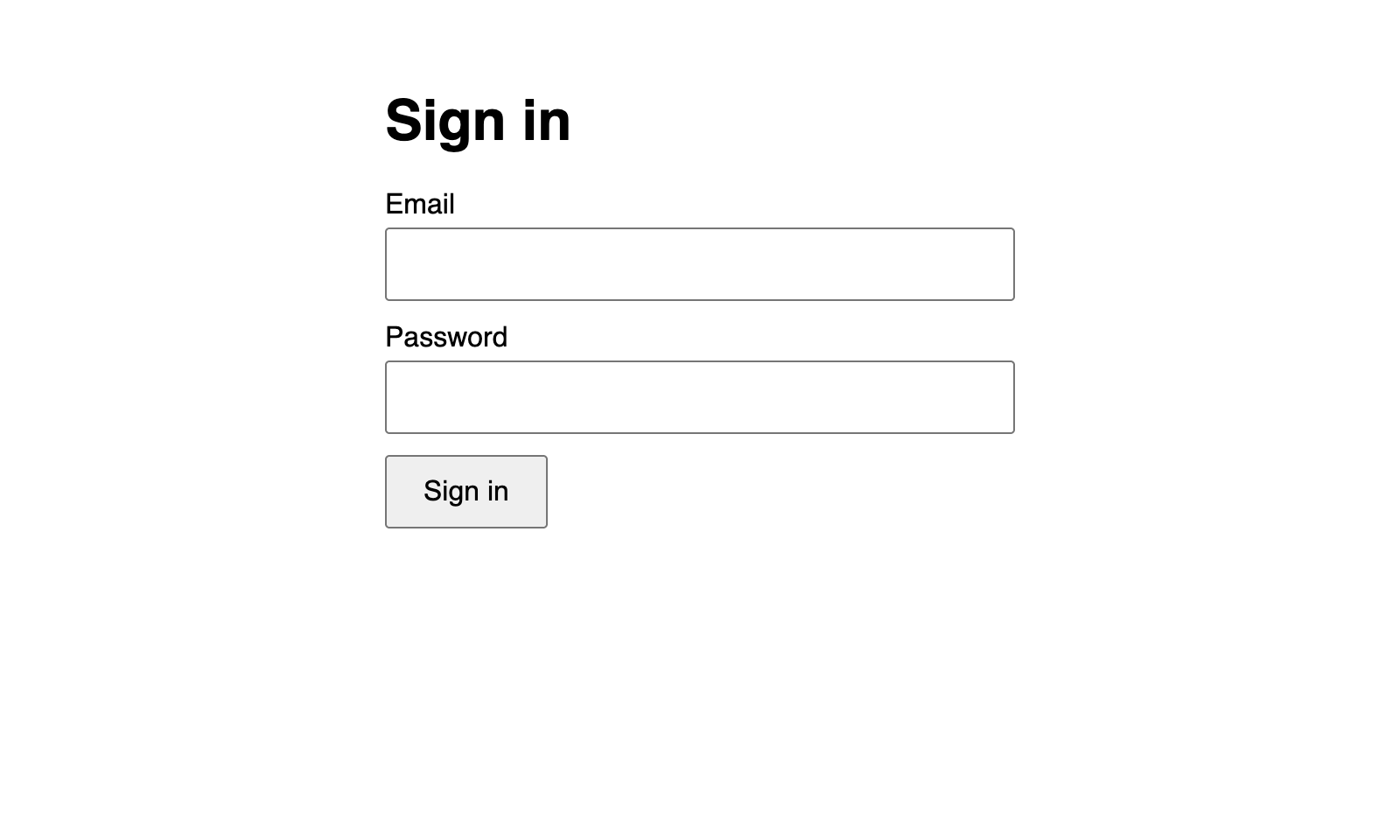
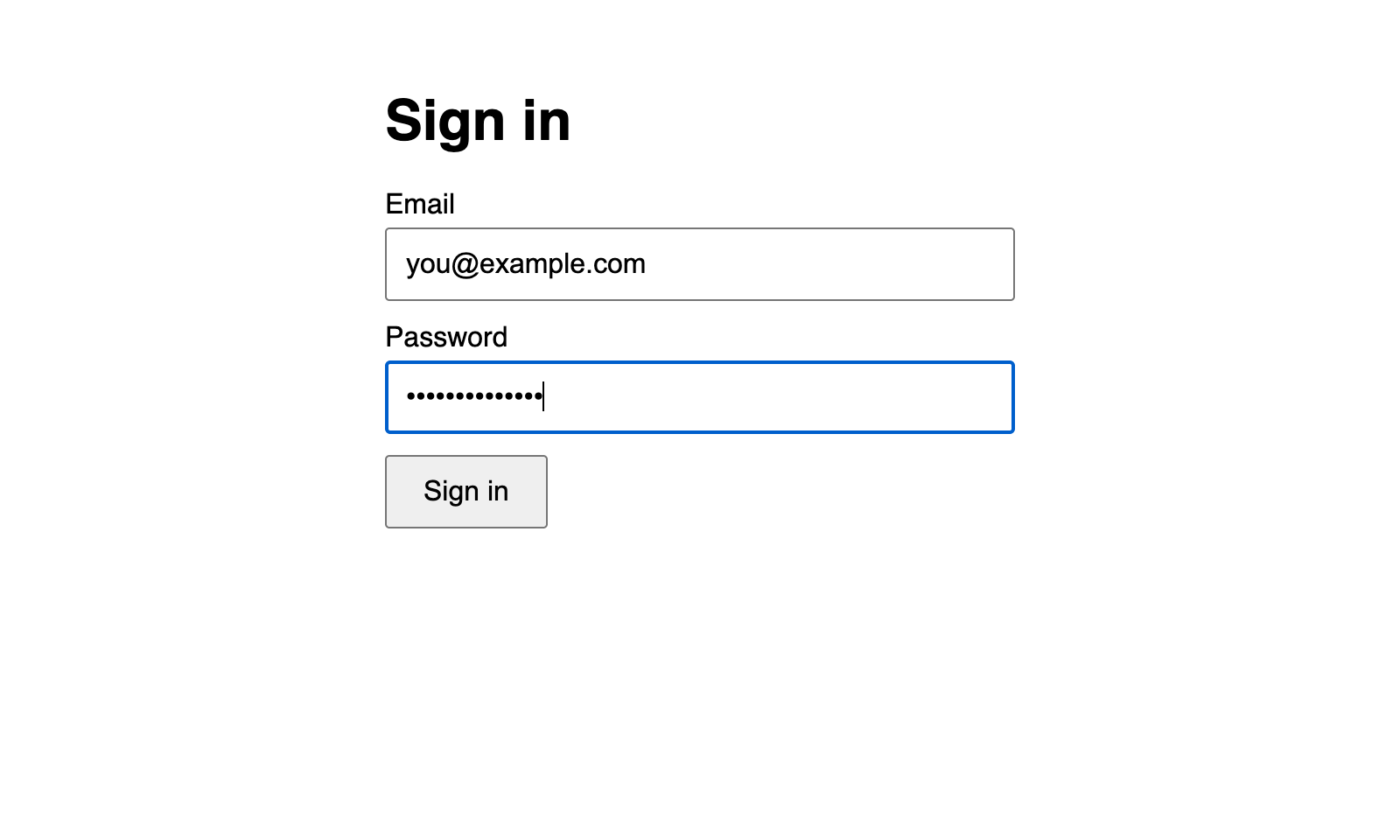
Typed by the extension
- Passwords and 2-step codes go into the page directly; the AI’s replies never contain them, checked by automated tests on every reply
Right site only
- Fills happen only on the login’s own website, and only on secure https pages, so a look-alike site can’t trick it
Logged, never leaked
- The activity log records every request and fill, but never a password
You stay in controlApprove each website, or go fully hands-off
Approve each website, or go fully hands-off
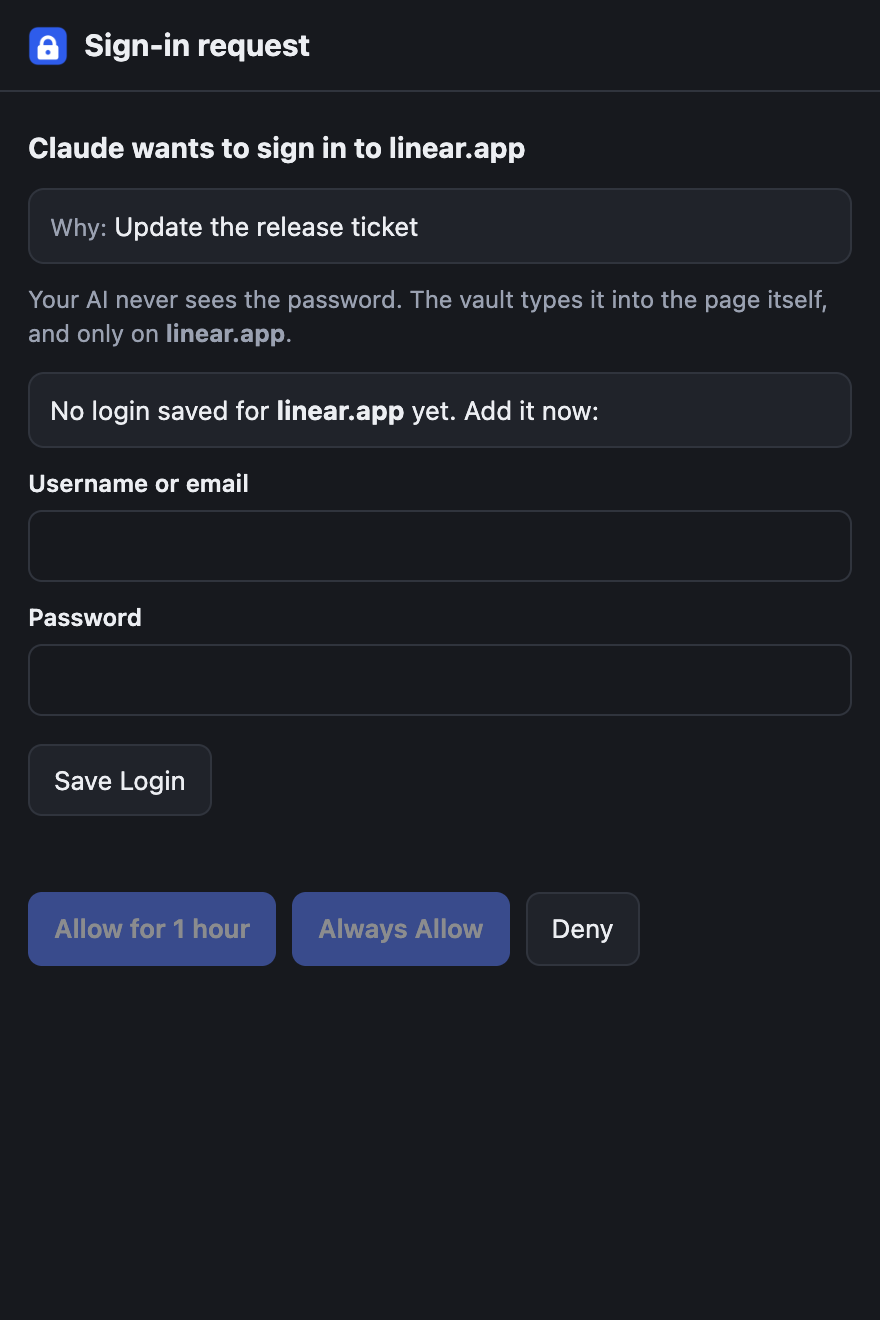
Your call, every time
- Approve per website, for an hour or always
- “Never ask me” mode for a fully hands-off setup
- Cancel all approvals in one click
See what happened
- The activity log shows what your AI asked for, when, and what happened
A real password managerStrong encryption, 2-step codes, import and backups
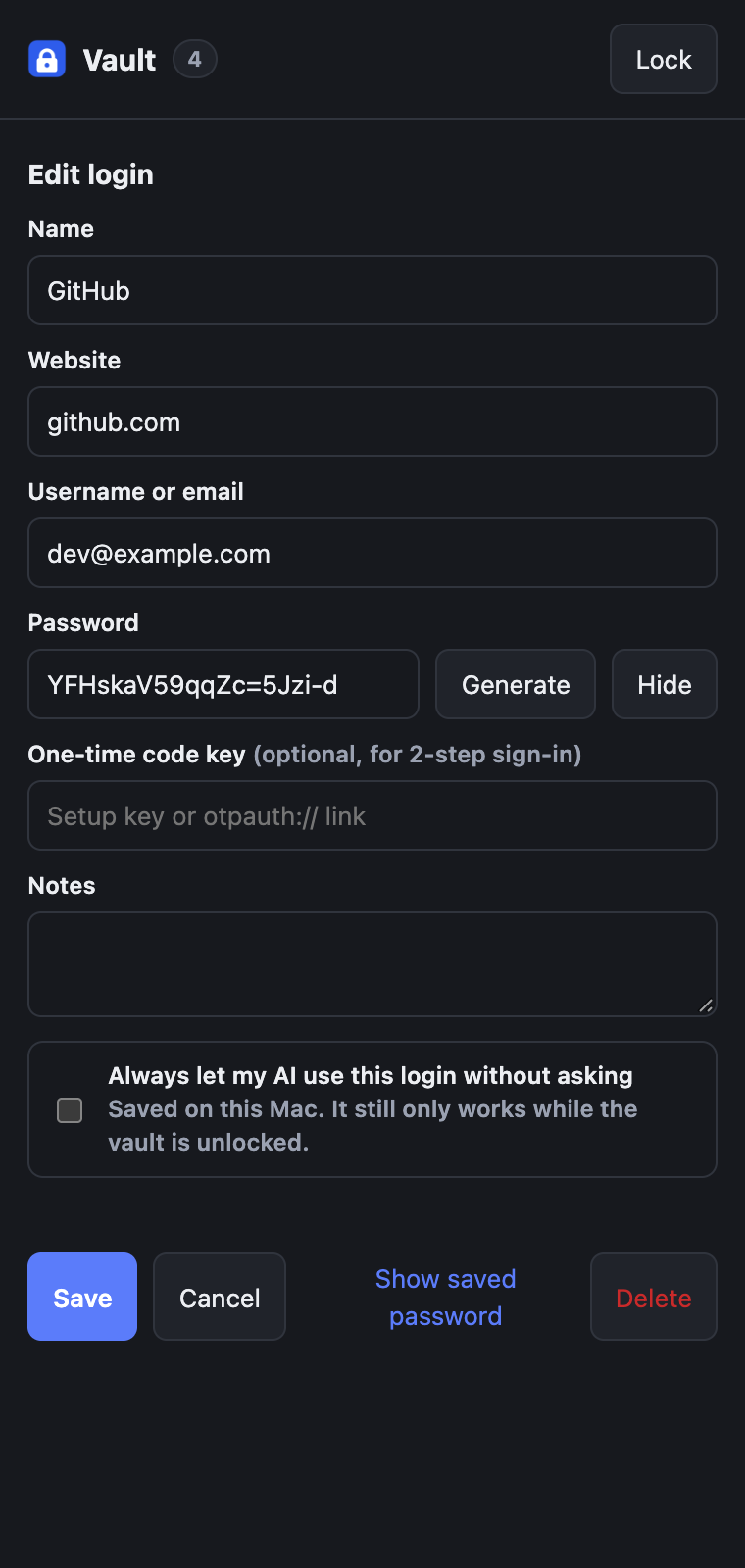
Strong encryption, 2-step codes, import and backups
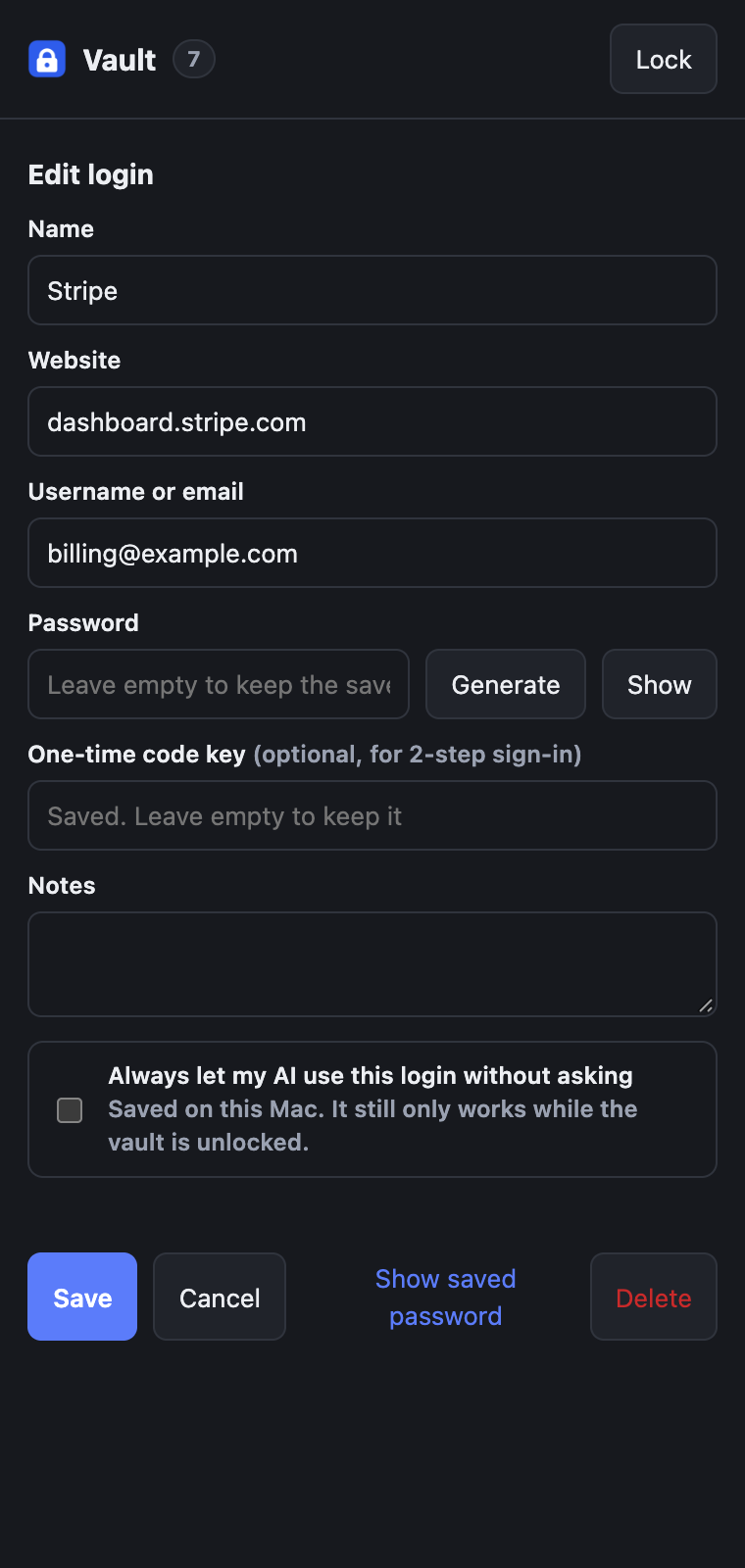
Encryption
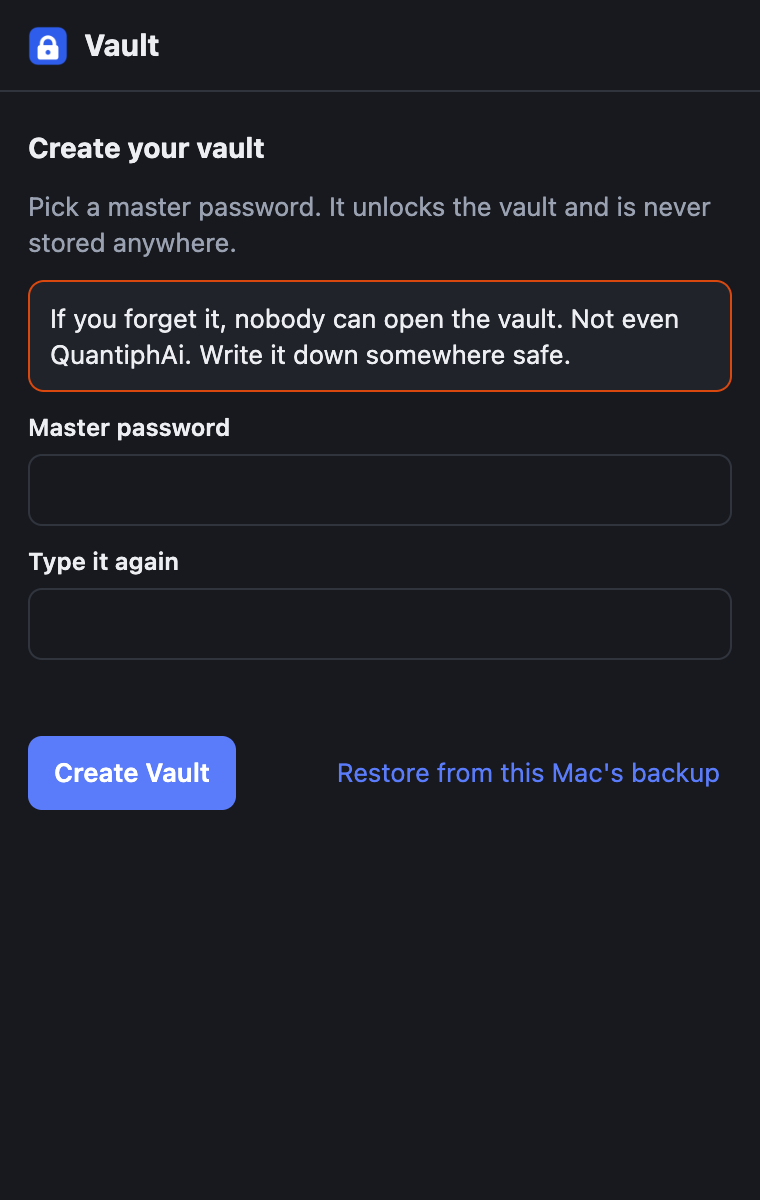
- AES-256 with a key made from your master password (PBKDF2, 600,000 rounds); the master password is never stored
2-step codes
- Save a site’s setup key and the vault fills the 6-digit code too, even “one box per digit” forms
Everyday features
- Search, edit, password generator, import from Chrome, 1Password or Bitwarden; showing a password needs the master password again
Locking & backups
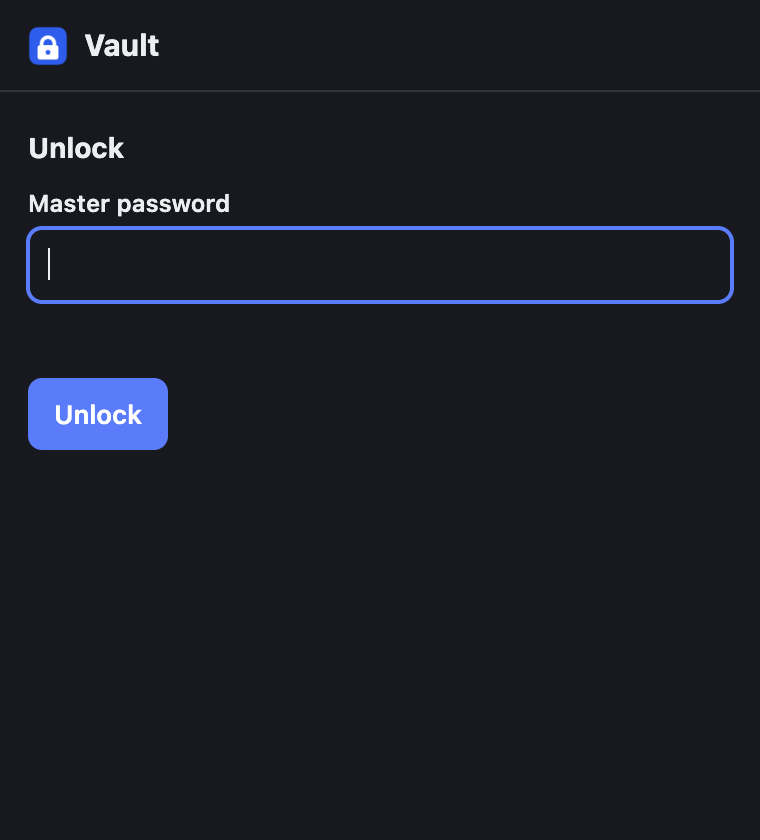
- Auto-lock on a timer and when Chrome quits, or stay unlocked with the Mac’s Keychain; encrypted backups after every change
Built for AI agentsConnects to Claude through the Model Context Protocol
Connects to Claude through the Model Context Protocol
Five simple tools, no dependencies:
vault_statuslist_loginsrequest_loginfill_loginfill_otp
A Claude skill included
- Teaches every Claude session the safe way to sign in: one try, stop after 20 seconds if it isn’t working, never retry over and over
Works on real sign-in pages
- Modern web apps, two-step sign-ins (email first, password next) and forms inside frames
- Turns off Chrome’s passkey pop-ups, so sites show their normal password form
How it’s builtA Chrome extension, a Mac helper and an MCP server
A Chrome extension, a Mac helper and an MCP server
Extension
Chrome Manifest V3 in plain JavaScript, using the Web Crypto API.
Mac helper
A Node.js native messaging helper and Unix socket bridge, with the macOS Keychain.
Standards
AES-256-GCM, PBKDF2-SHA256, and RFC 6238 one-time codes.
Tested end to end
Automated tests drive a separate Chrome (Puppeteer) against a fake sign-in site.
Status: built by QuantiphAi for its own day-to-day work with Claude and used on real accounts, including Apple Developer sign-in. It isn’t in the Chrome Web Store.

HiFAi
The podcast app that removes the ads

DEFCON Todo
The to-do list ranked by urgency

Clubtronix
Music-video show system for venues

YOOTUBE
YouTube, minus the noise

SkateFM
Skate jams 24/7 with live DJs

R1NK
The all-in-one rink platform

Cupertinoo Clock
The AM/PM widget for iPhone

FlexAi
A Plex player for Mac, Apple TV and iPhone

Switchboard
400+ Mac settings in one app
Get in touch
Questions or ideas about our apps? Want a HiFAi TestFlight invite? Email us.
mail@quantiph.ai