HiFAi
HiFAi
A podcast app that downloads each episode, finds the ads on your phone, and skips them. The ads are gone before you press play.
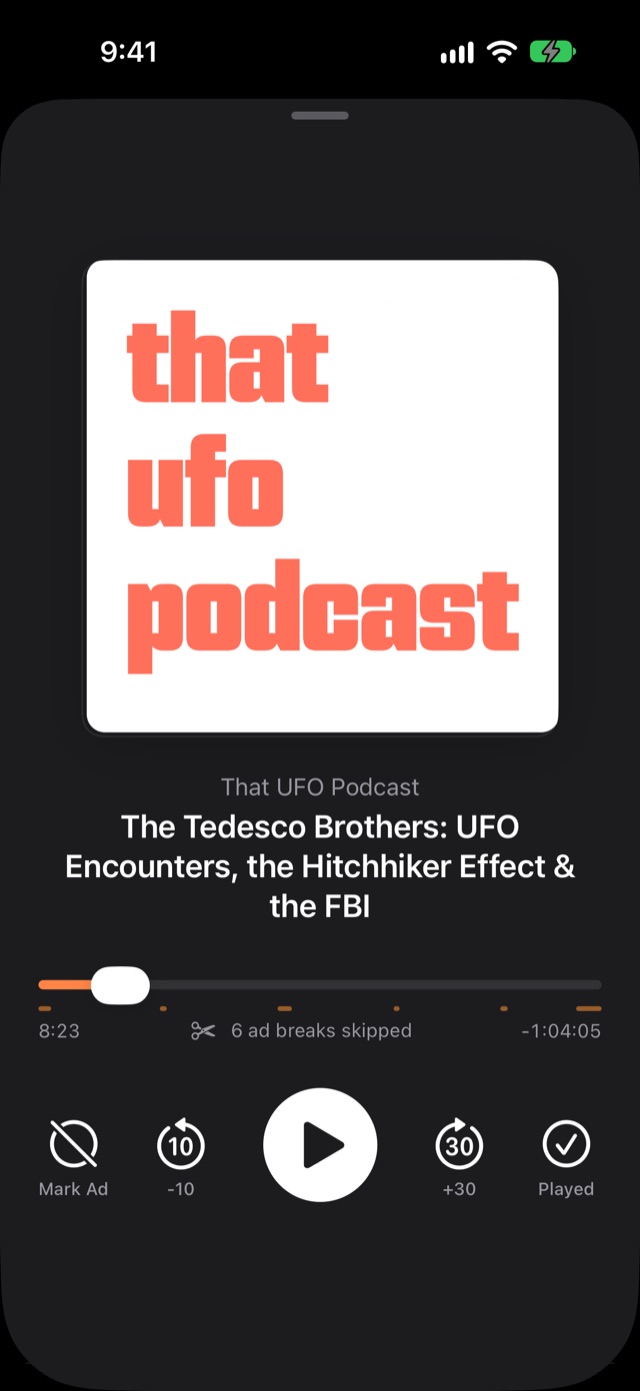
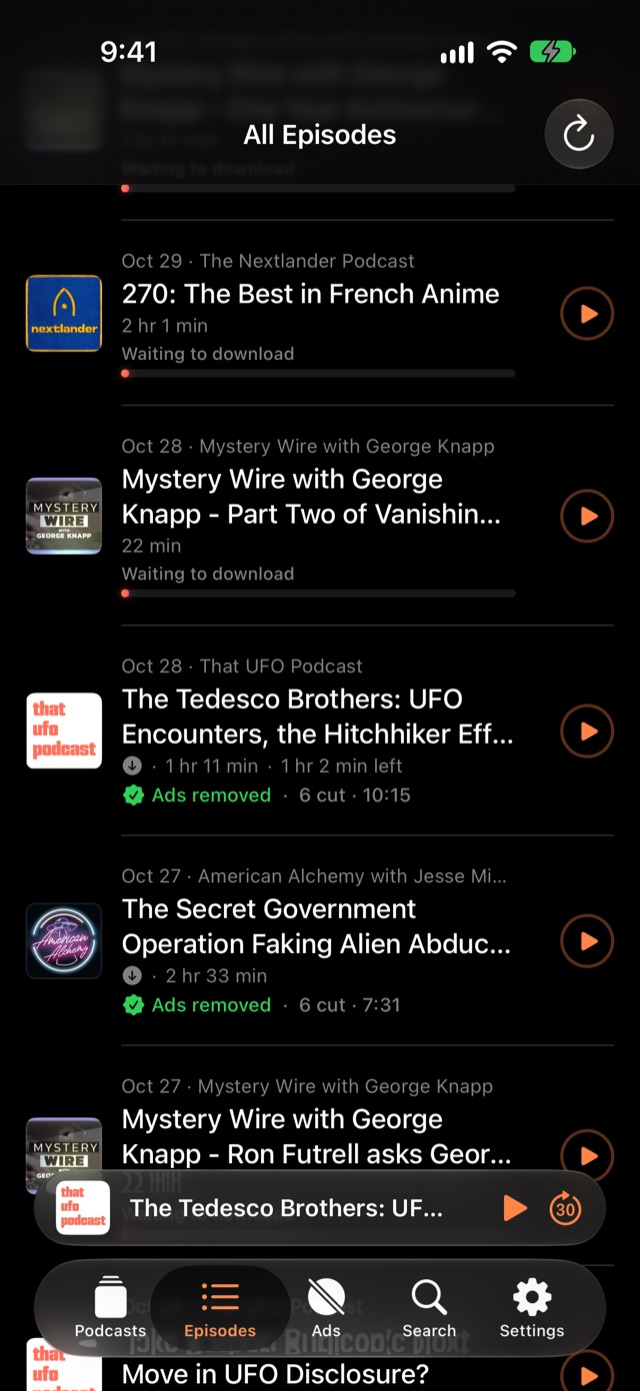
A clean, dark podcast player. Episodes download in full, HiFAi finds the inserted ads right on your iPhone, and they’re skipped automatically. No account, no tracking, no streaming.
How it finds the adsTwo signals, combined, all on your iPhone
Two signals, combined, all on your iPhone
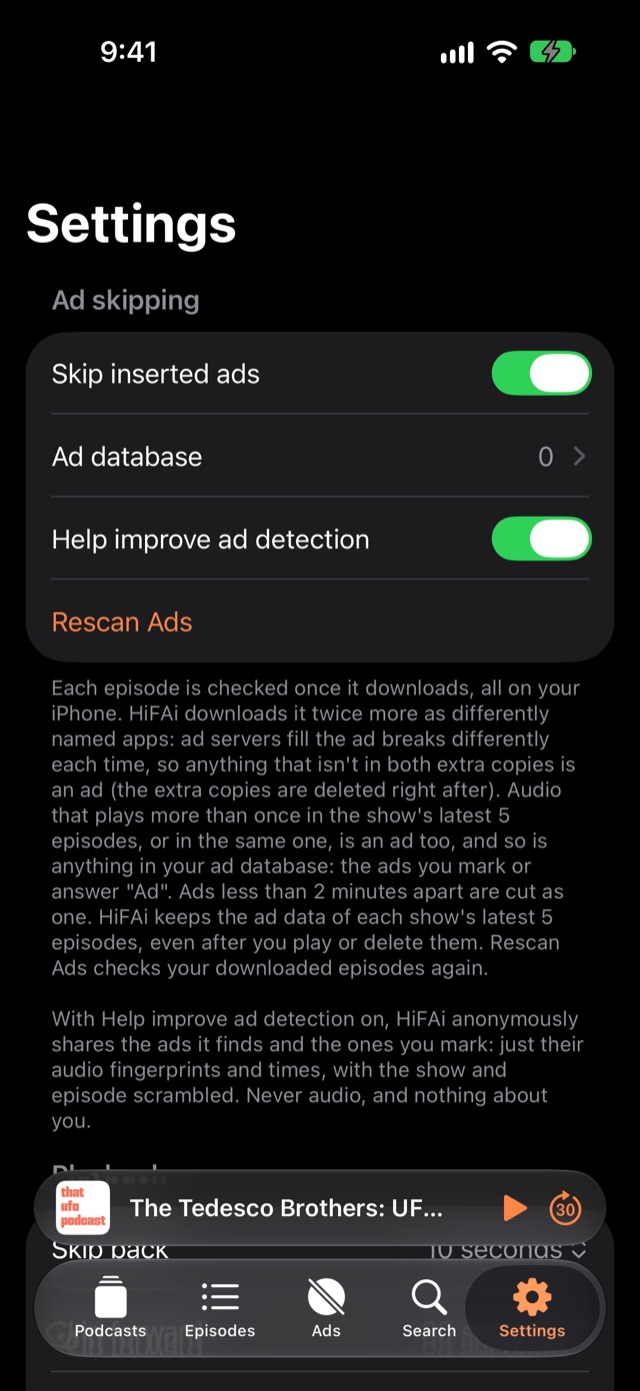
Nothing is uploaded and the audio never leaves the phone. No AI, no voice recognition and no transcripts: just audio fingerprints, so it’s fast, private and predictable.
Repeated audio
Anything that plays more than once across a show’s latest 5 episodes, or twice in the same one, is an ad. Show audio is unique; ads repeat.
Version check
The episode is fetched twice more as differently named apps. Ad servers fill the breaks differently each time, so anything missing from the other copies is an ad. The extra copies are deleted right after.
of ad time removed on a tested episode with a known ad-free version, with only seconds of show audio touched. Ads less than 2 minutes apart are cut as one break, so nothing slips through in between.
FeaturesEverything it does, at a glance
You stay in control
- Mark Ad: one tap if something slips through; HiFAi finds where it starts and ends
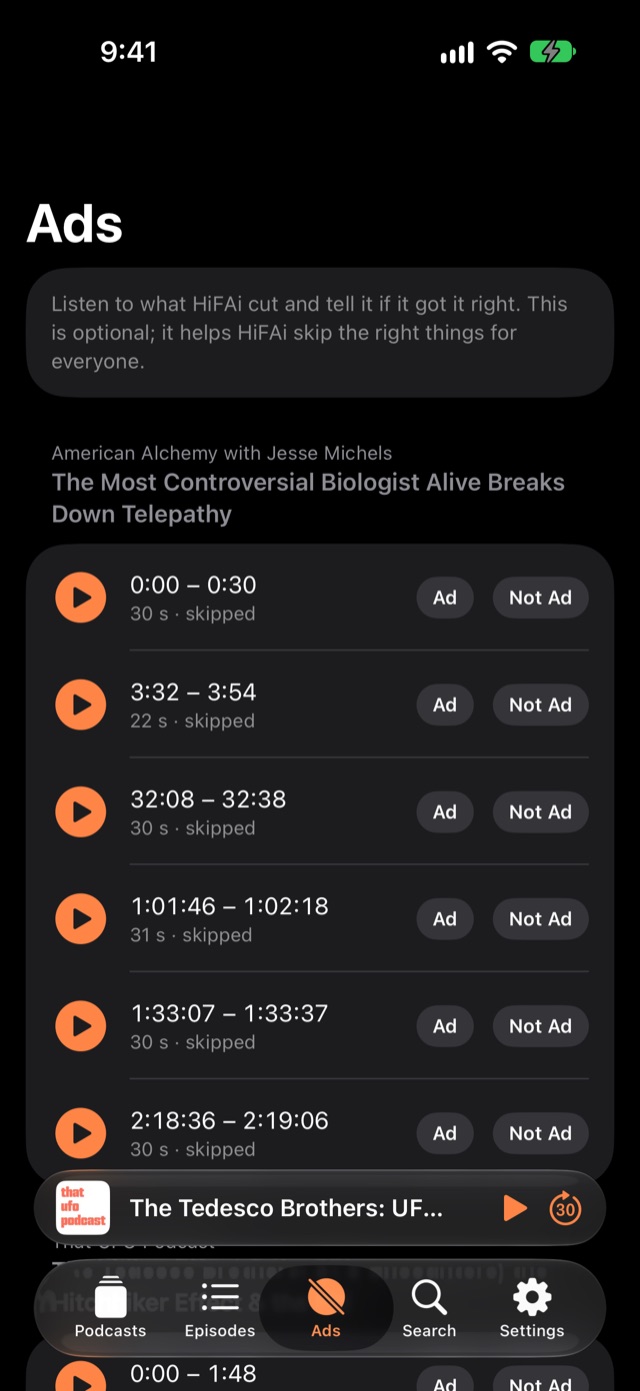
- Ad database: every ad you mark is cut from every future episode, on any show
- Ads tab: listen to anything cut and answer Ad / Not an ad
Player
- Ad breaks shown right on the timeline
- Mark Ad · −10 · Play · +30 · Played
- Lock screen controls, per-show speed, skip intro, sleep timer
Library
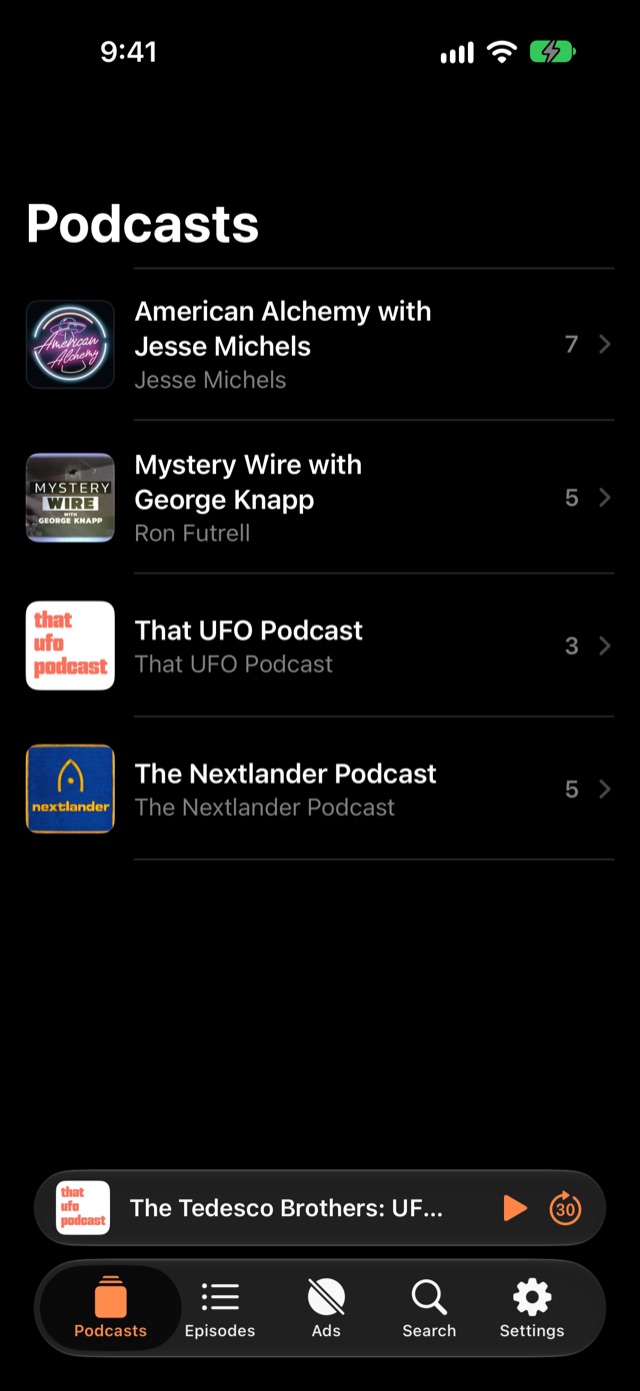
- Episodes tab is your play order: hold and drag to reorder
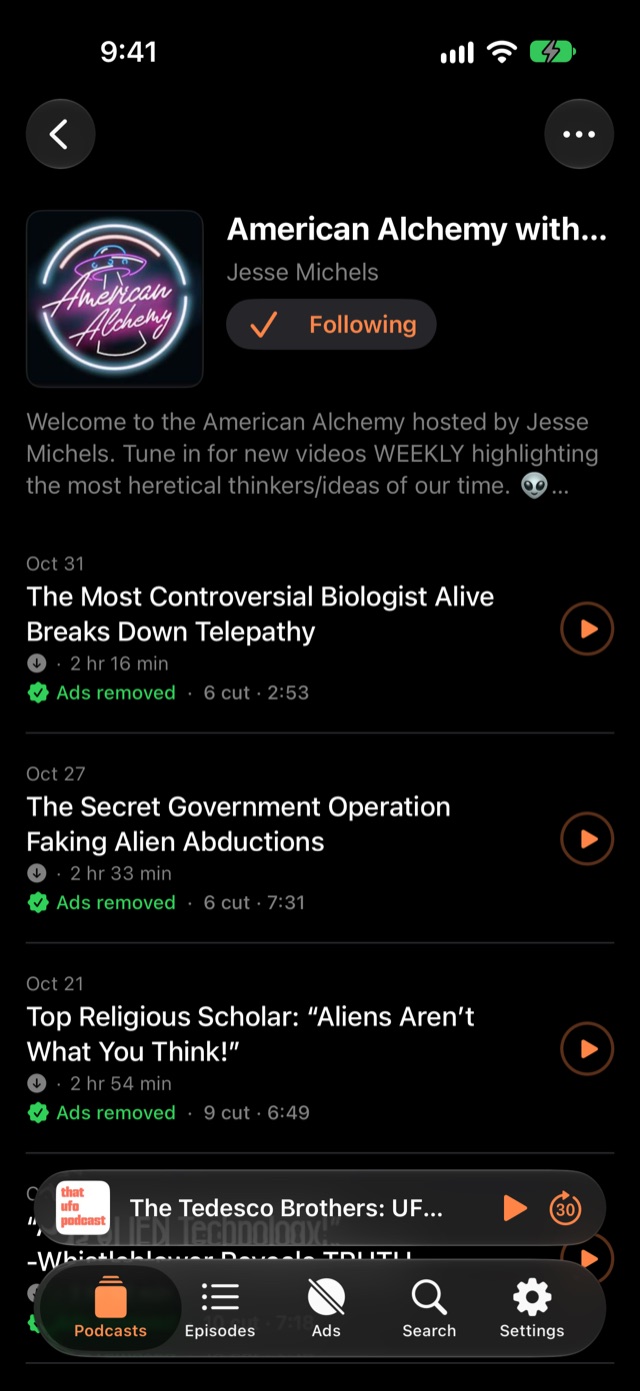
- New shows download their 5 latest episodes automatically
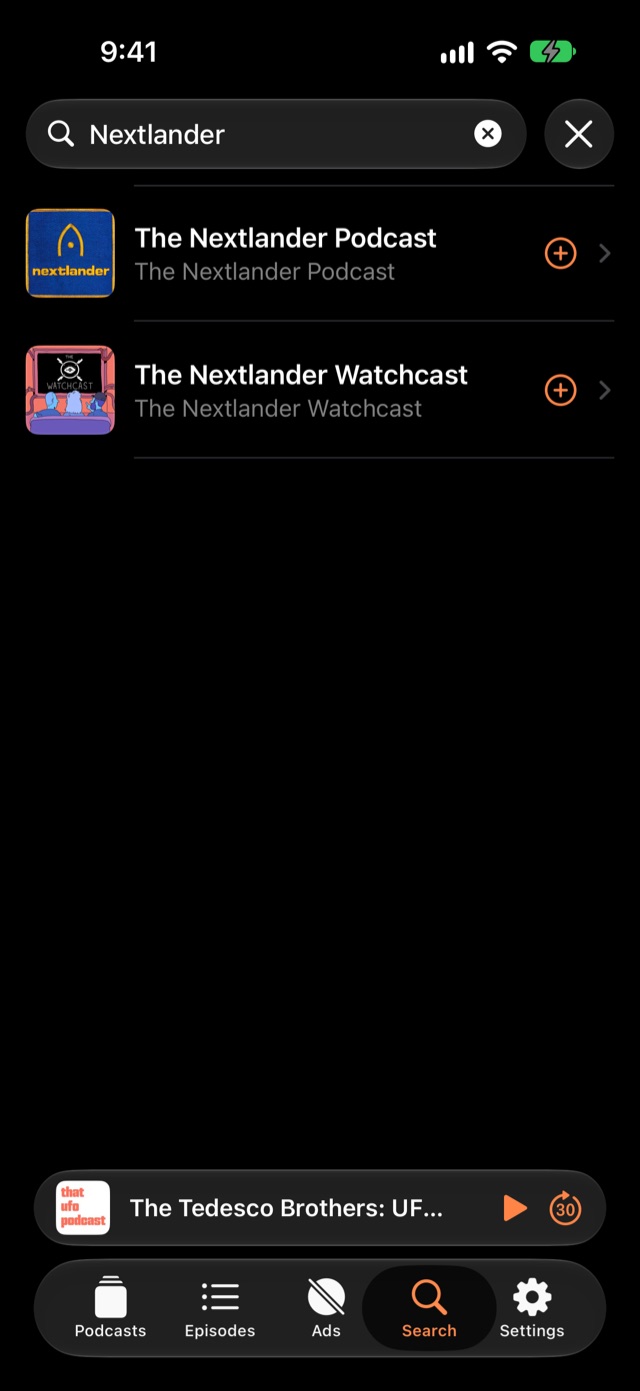
- Search, paste a feed link, or import OPML from another app
- Your podcast list is backed up to iCloud Keychain
Built to be light
- The whole app is about 1.5 MB
- One job at a time, at low priority, so playback and scrolling stay smooth
- Artwork cached small: 5–25 KB instead of several MB
Private
- No account, no tracking, no ads of its own
- No AI: ads are found with audio fingerprints alone
- Optional “Help improve ad detection” shares only anonymous fingerprints and times, never audio
Behind the scenesThe Mac test bench
The Mac test bench
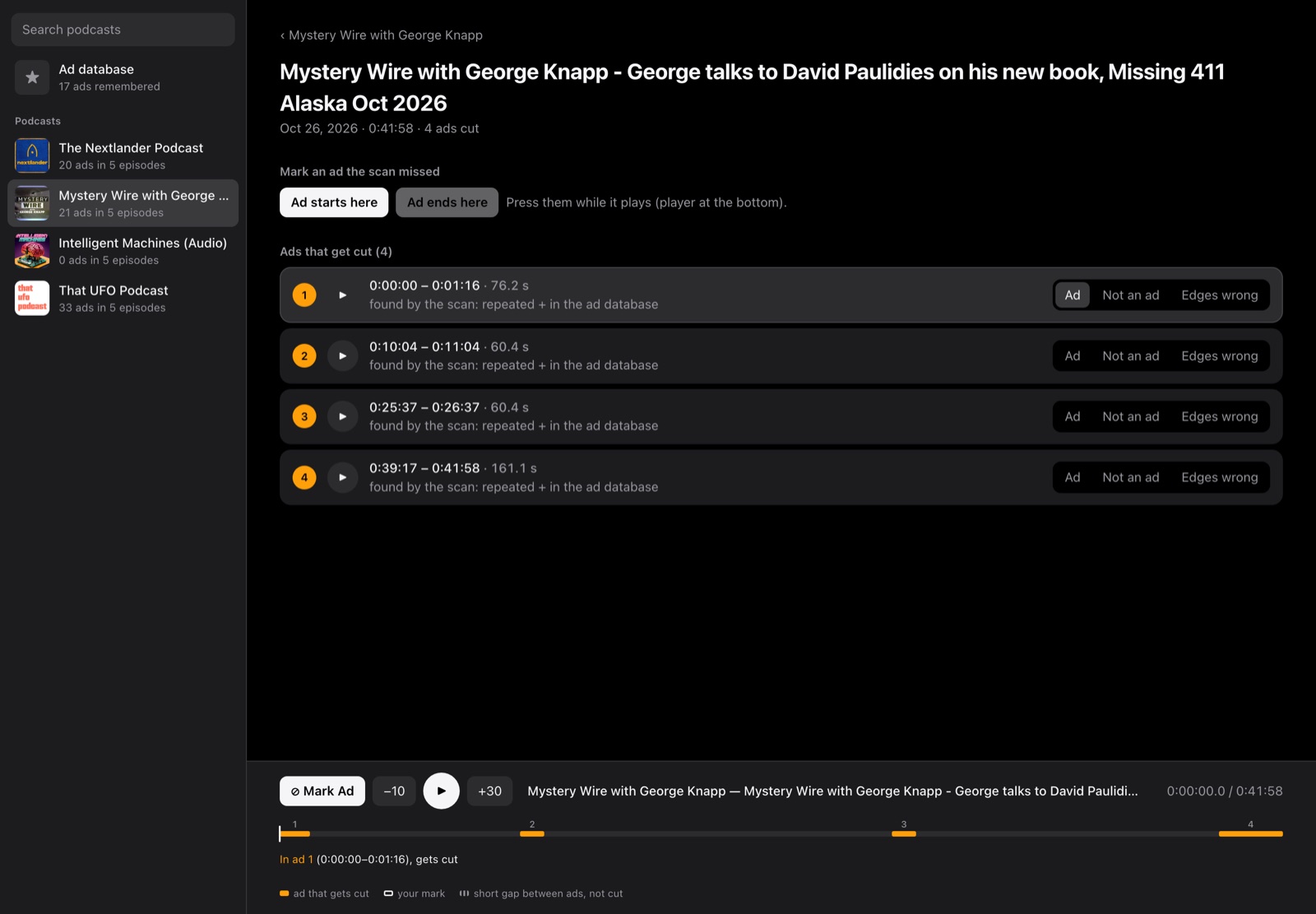
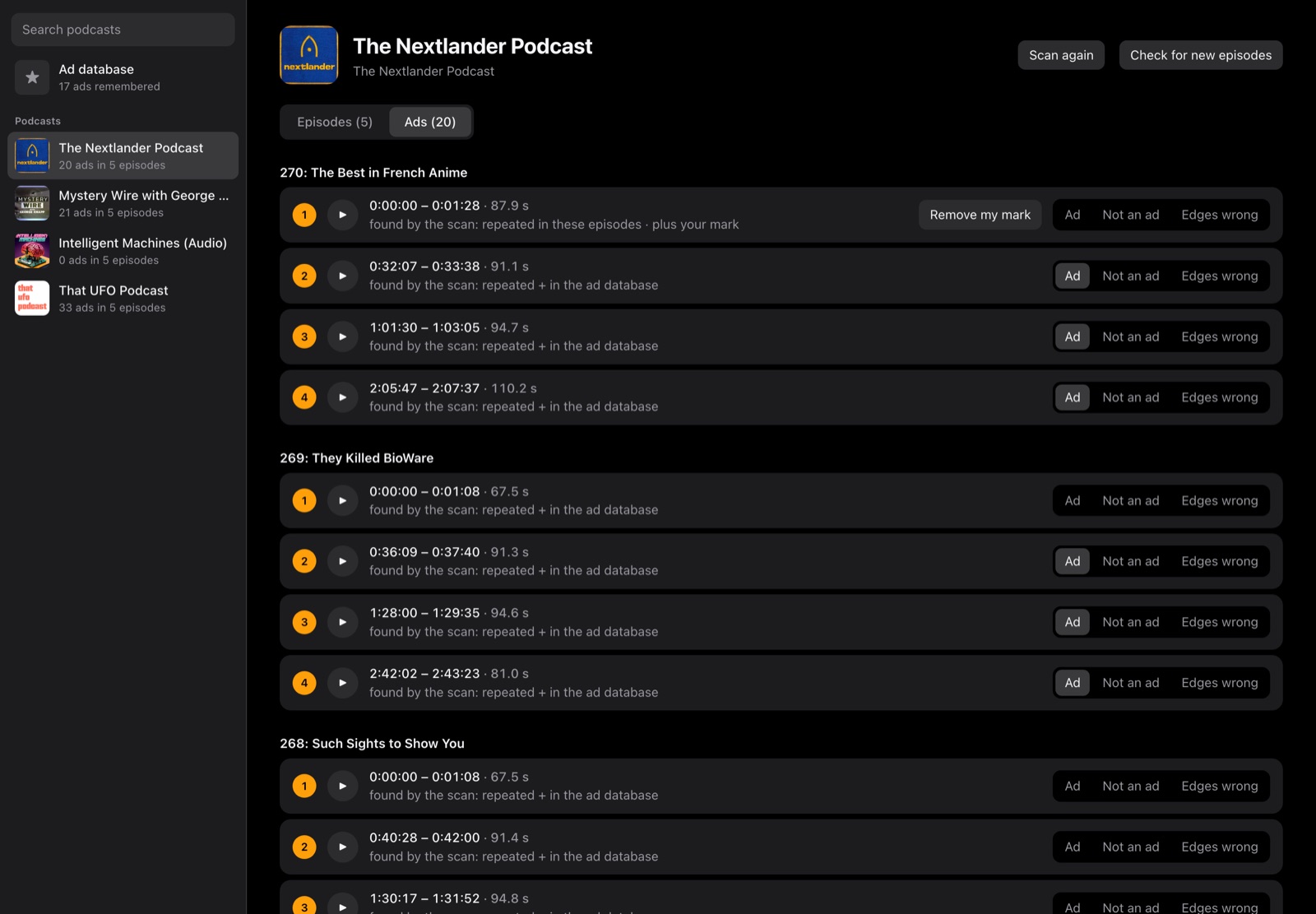
To design the ad detection, we built a separate Mac app to test strategies on real episodes first. Every idea (repeats, version checks, ad lengths, gap rules) was scored against real, human-checked ads before it shipped to the phone.
iPhone
Swift, SwiftUI, SwiftData, AVFoundation and background downloads.
Ad detection
Spectral fingerprints every 20 ms, matched across episodes and copies; edges snapped to the splice points.
Mac test bench
A Swift scanner using the app’s own detector, plus a small local web app.
Optional server
Python and SQLite on a small cloud server. Anonymous fingerprints only.
Status: in TestFlight (build 27, November 2026), not yet on the App Store. Ads the hosts read themselves, live in the show, aren’t detected automatically; Mark Ad handles those.

DEFCON Todo
The to-do list ranked by urgency
Clubtronix
Music-video show system for venues

YOOTUBE
YouTube, minus the noise

SkateFM
Skate jams 24/7 with live DJs

R1NK
The all-in-one rink platform

QuantiphAi Vault
Lets your AI sign in for you
Cupertinoo Clock
The AM/PM widget for iPhone

FlexAi
A Plex player for Mac, Apple TV and iPhone
Switchboard
400+ Mac settings in one app
Get in touch
Questions or ideas about our apps? Want a HiFAi TestFlight invite? Email us.
mail@quantiph.ai