Cupertinoo Clock
Cupertinoo Clock
Apple’s clock hasn’t shown AM or PM in ten years. So we made it.
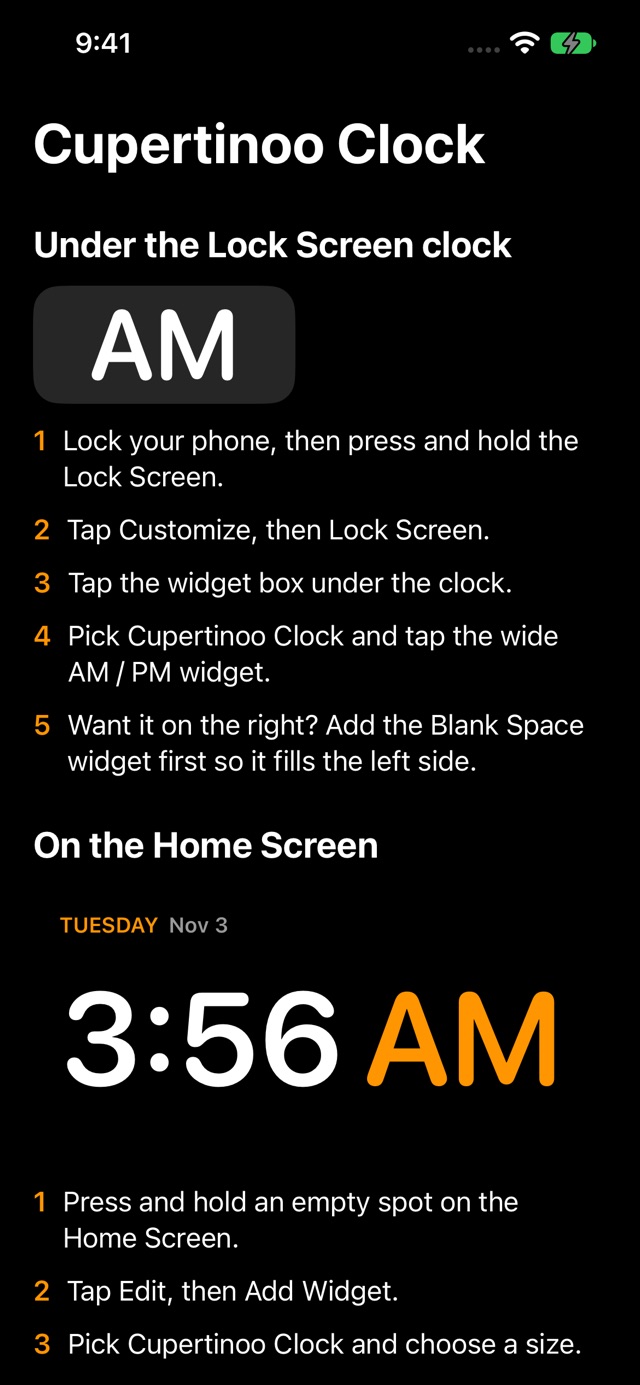
The iPhone Lock Screen says 9:41. Morning or night? There’s no setting for it, and you can’t replace Apple’s clock. Cupertinoo Clock adds widgets that always show AM or PM, big, including a Lock Screen widget sized to sit right under Apple’s clock so the two read as one: 9:41 PM.
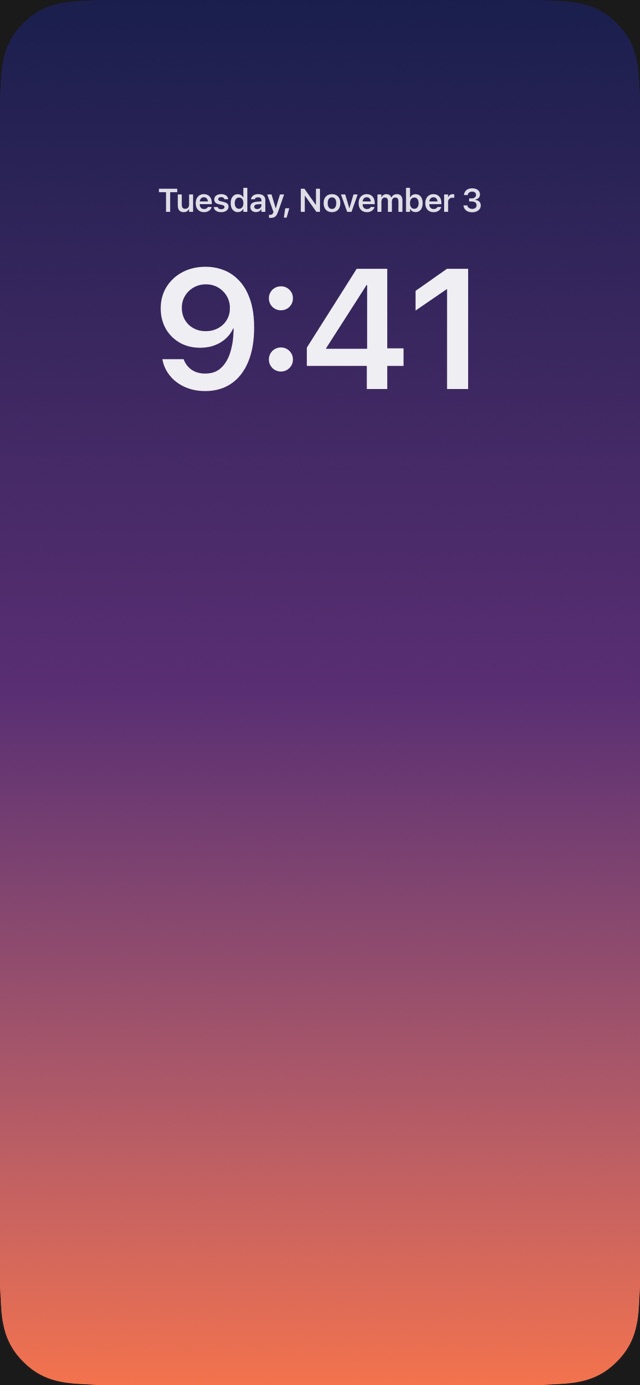
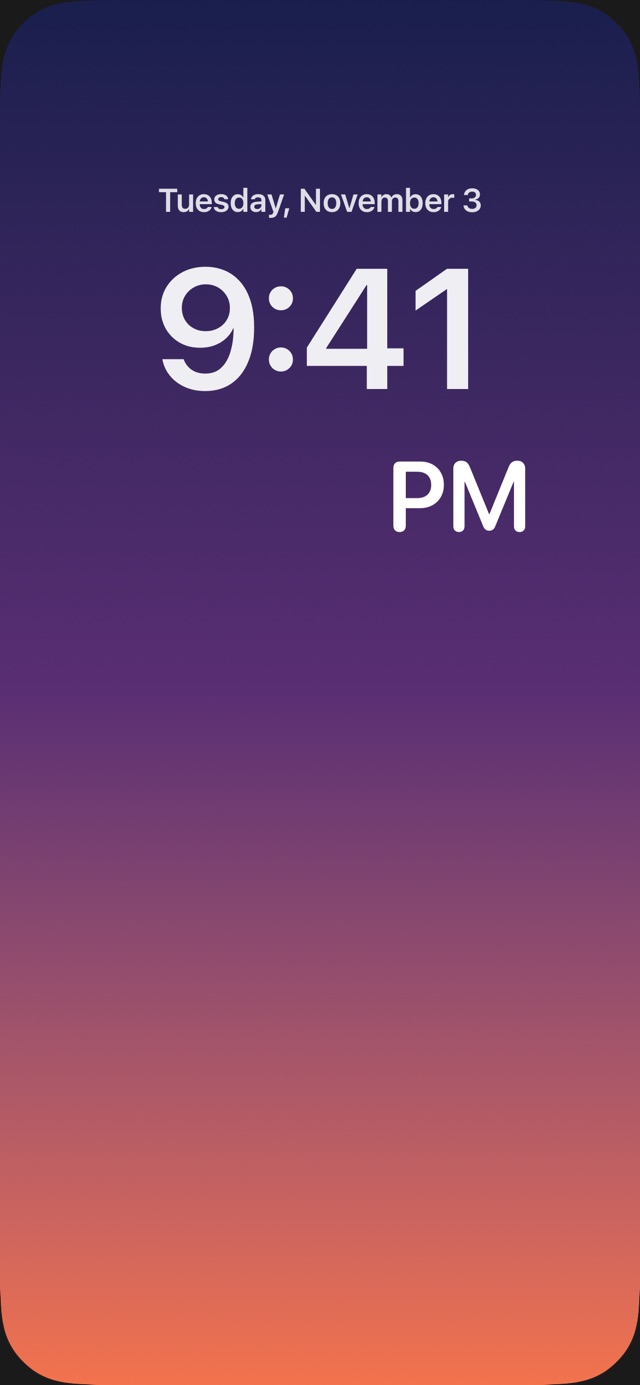
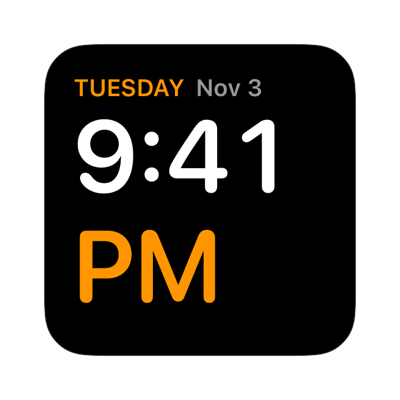
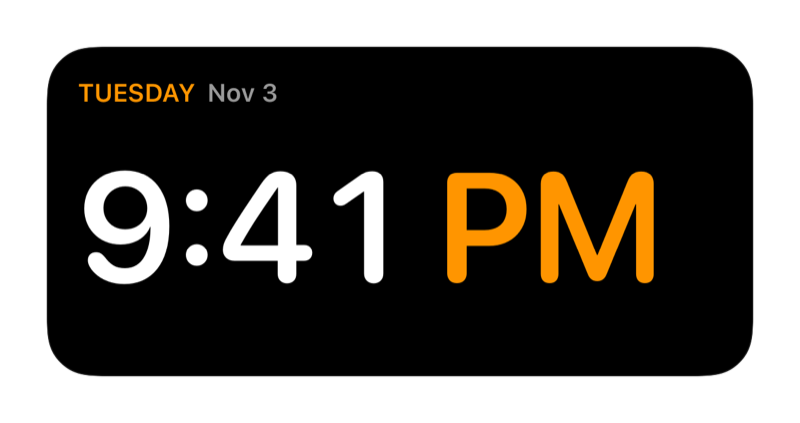
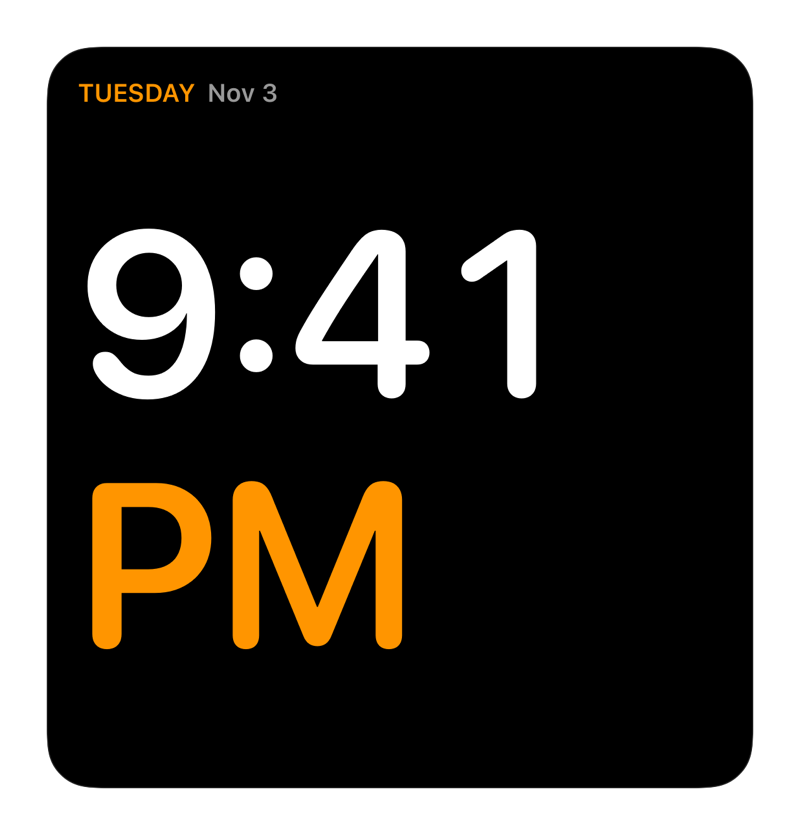
The Lock Screens above are illustrations; the widgets are rendered from the real widget code.
Lock Screen widgetsJust AM or PM, nothing else
Just AM or PM, nothing else
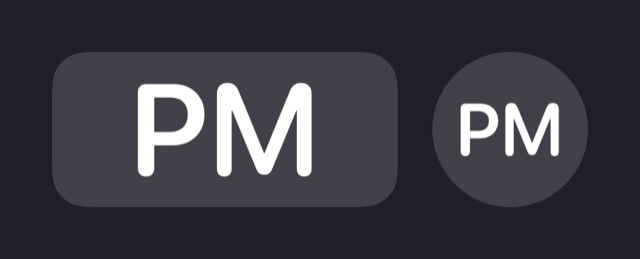
- AM / PM widget: shows only “AM” or “PM,” as large as the slot allows, to finish what Apple’s clock started
- Blank Space widget: an invisible spacer for the left half of the row, so AM/PM sits on the right, nearer the end of the time
- A small round version and an inline version for the slot above the clock
Home Screen widgetsAM/PM at the same size as the numbers
AM/PM at the same size as the numbers
Three sizes
- Small, medium and large, each with the full time and AM/PM, not tucked away in tiny print
Day and date
- Shown across the top of every Home Screen widget
Always 12-hour
- Even if the phone is set to 24-hour time
Light on the battery
- Updates every minute on its own schedule; the app doesn’t need to stay open
Make it yours11 colors and three number styles, per widget
11 colors and three number styles, per widget
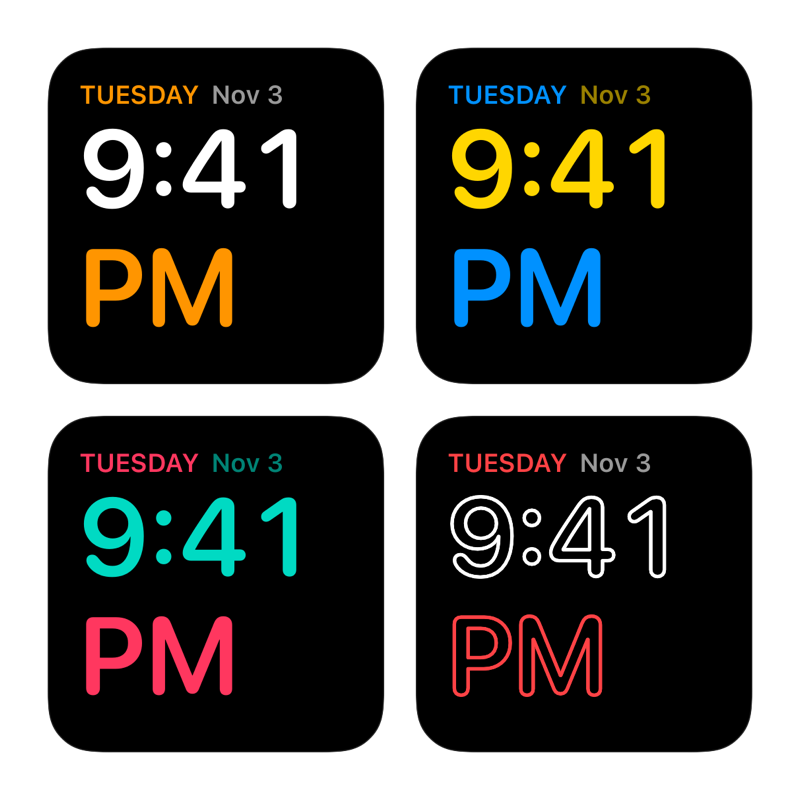
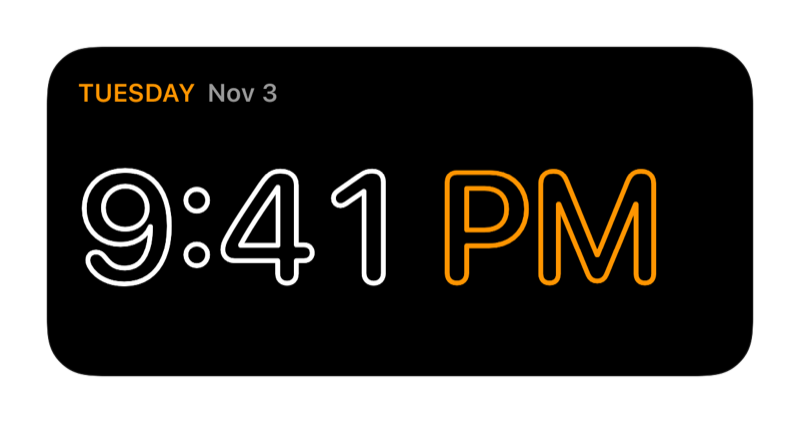
Number styles
- Solid bold numbers, Hollow outlines, or Hollow at Night: solid by day, outlined from 9 PM to 7 AM
Every widget its own
- Hold any widget and tap Edit Widget; a small white one and a large neon one can live side by side
How it’s builtSwiftUI, WidgetKit and hand-traced hollow letters
SwiftUI, WidgetKit and hand-traced hollow letters
WidgetKit timelines
One entry per minute, three hours at a time, refreshed by iOS on its own.
App Intents
Colors and style are real per-widget settings in Apple’s Edit Widget panel.
Custom hollow lettering
SwiftUI can’t outline text, so the hollow style traces the font’s glyphs with Core Text and strokes them.
One shared design
The app and widgets draw from the same view code, so previews match the Home Screen.
Status: in TestFlight beta, shipped with automated App Store Connect signing and upload.
HiFAi
The podcast app that removes the ads
DEFCON Todo
The to-do list ranked by urgency
Clubtronix
Music-video show system for venues

YOOTUBE
YouTube, minus the noise
SkateFM
Skate jams 24/7 with live DJs
R1NK
The all-in-one rink platform

QuantiphAi Vault
Lets your AI sign in for you
FlexAi
A Plex player for Mac, Apple TV and iPhone
Switchboard
400+ Mac settings in one app
Get in touch
Questions or ideas about our apps? Want a HiFAi TestFlight invite? Email us.
mail@quantiph.ai