FlexAi

FlexAi
Watch your own Plex library on the big screen, from the couch, with one app that feels at home on every Apple device.
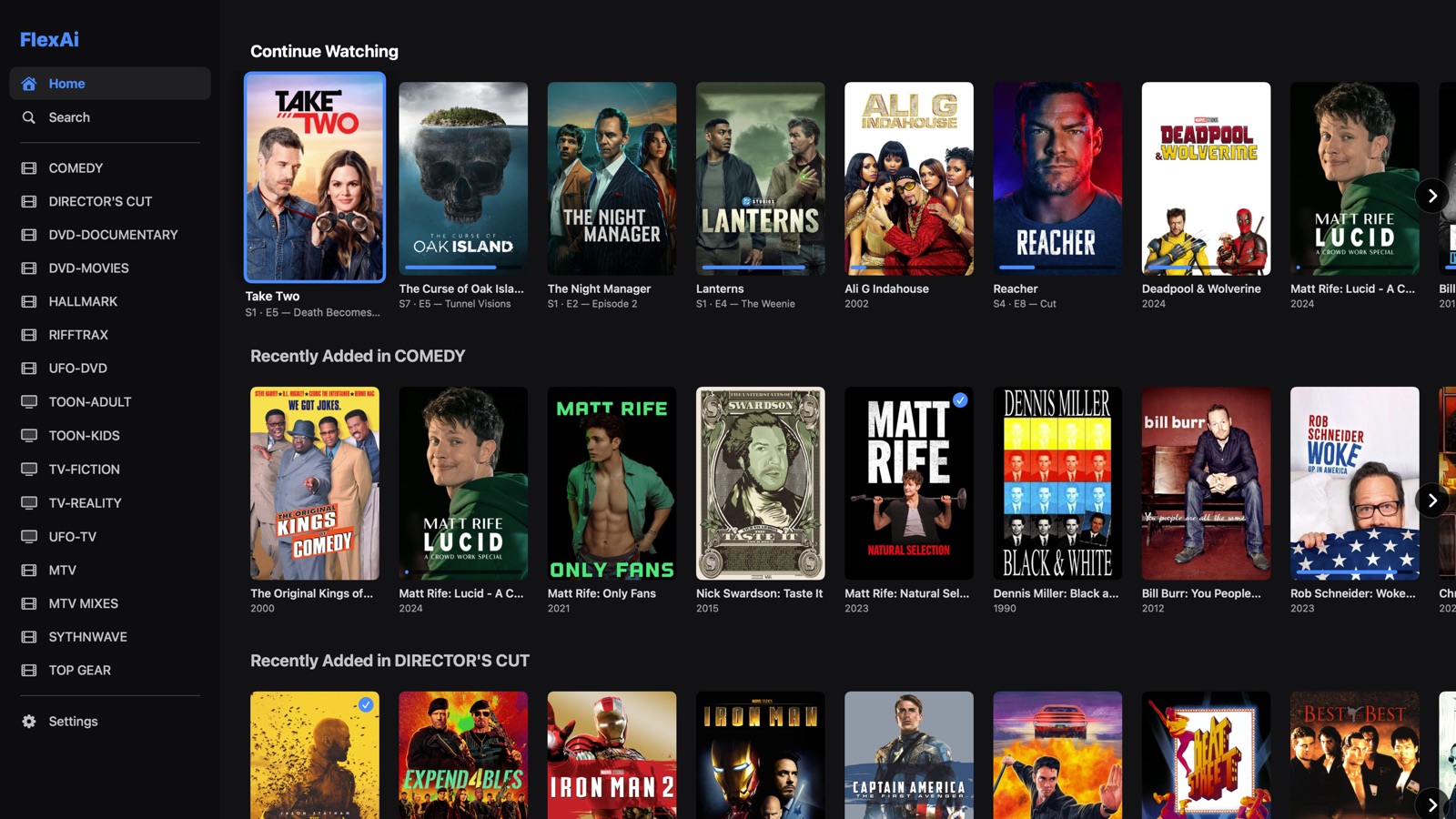
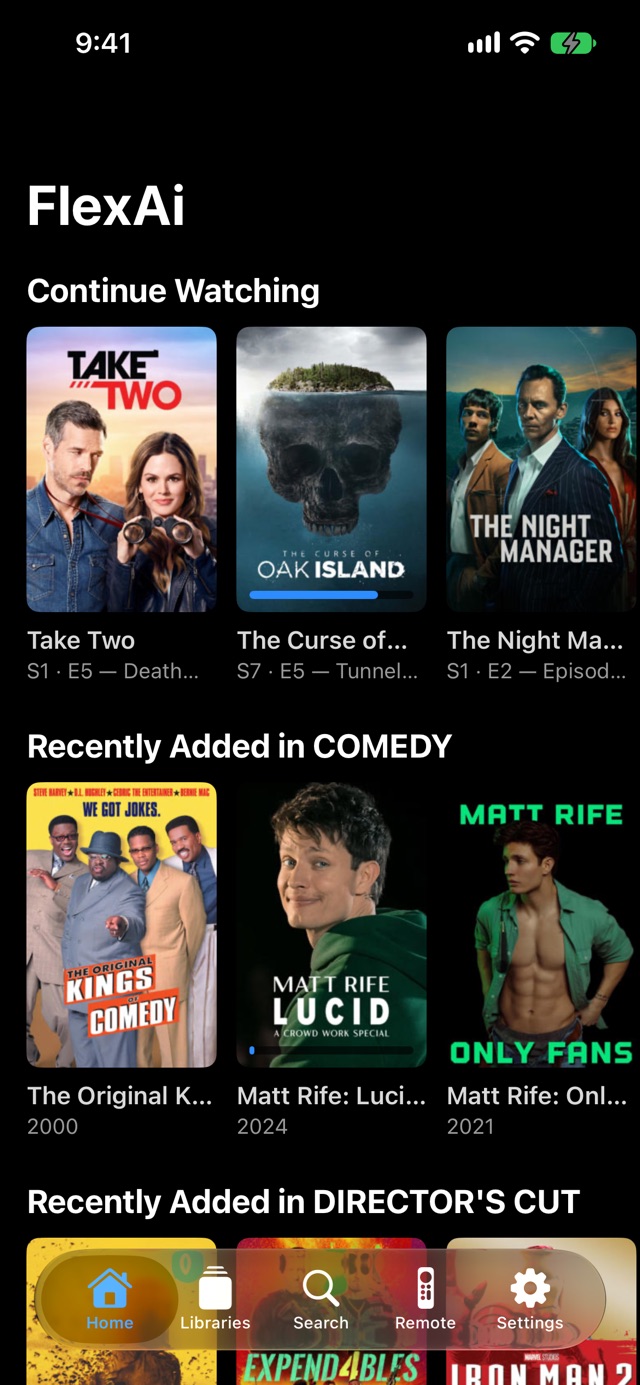
FlexAi runs as a full-screen “10-foot” app on a Mac connected to a TV, as a native Apple TV app, and as an iPhone app, all from one Swift and SwiftUI codebase. It started as a web-based Plex player with AI search and was rebuilt from scratch as native Apple apps, with a cleaner, safer way to sign in.
FlexAi is an independent app and is not affiliated with Plex. Movie and show artwork belongs to its owners.
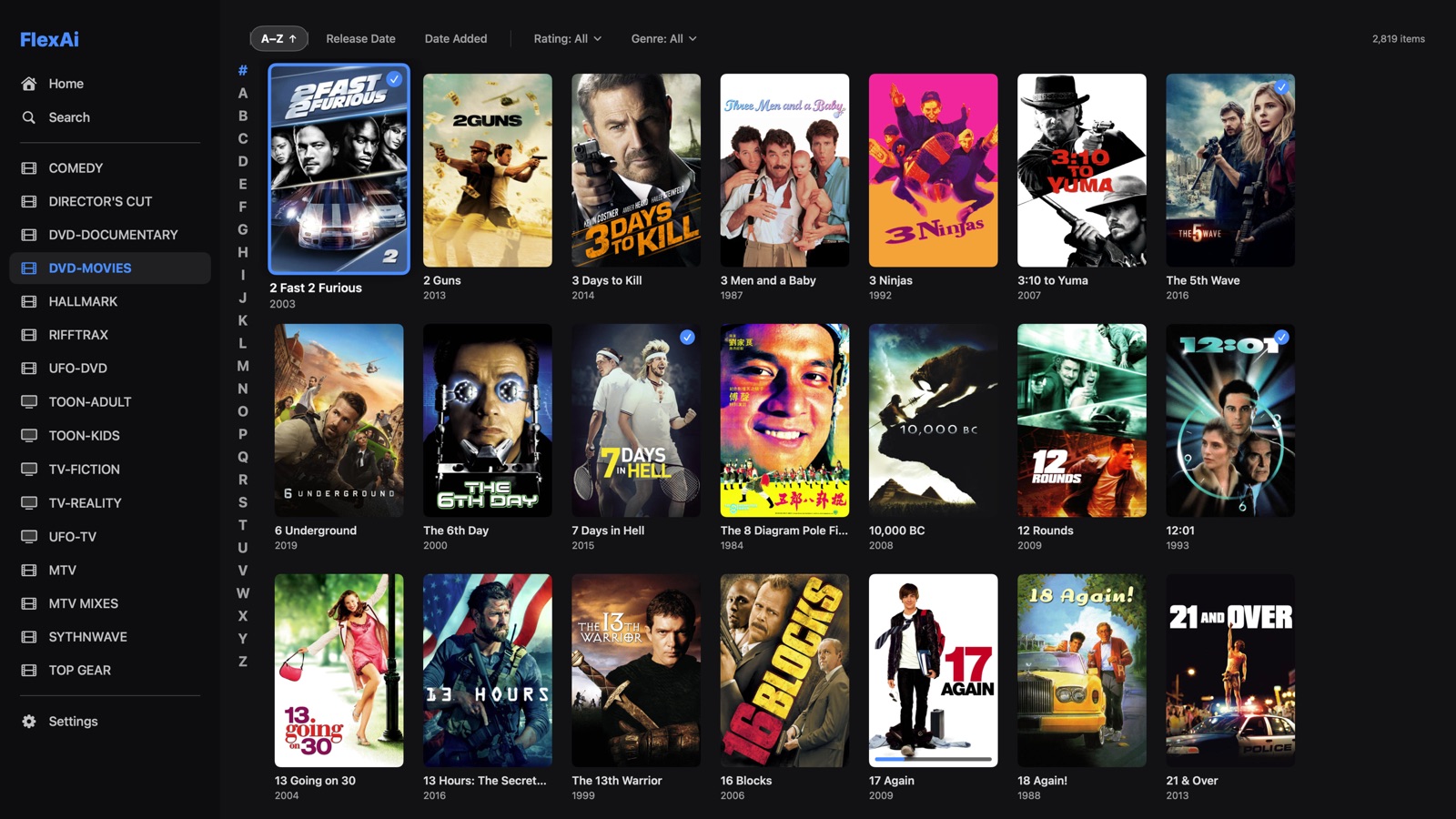
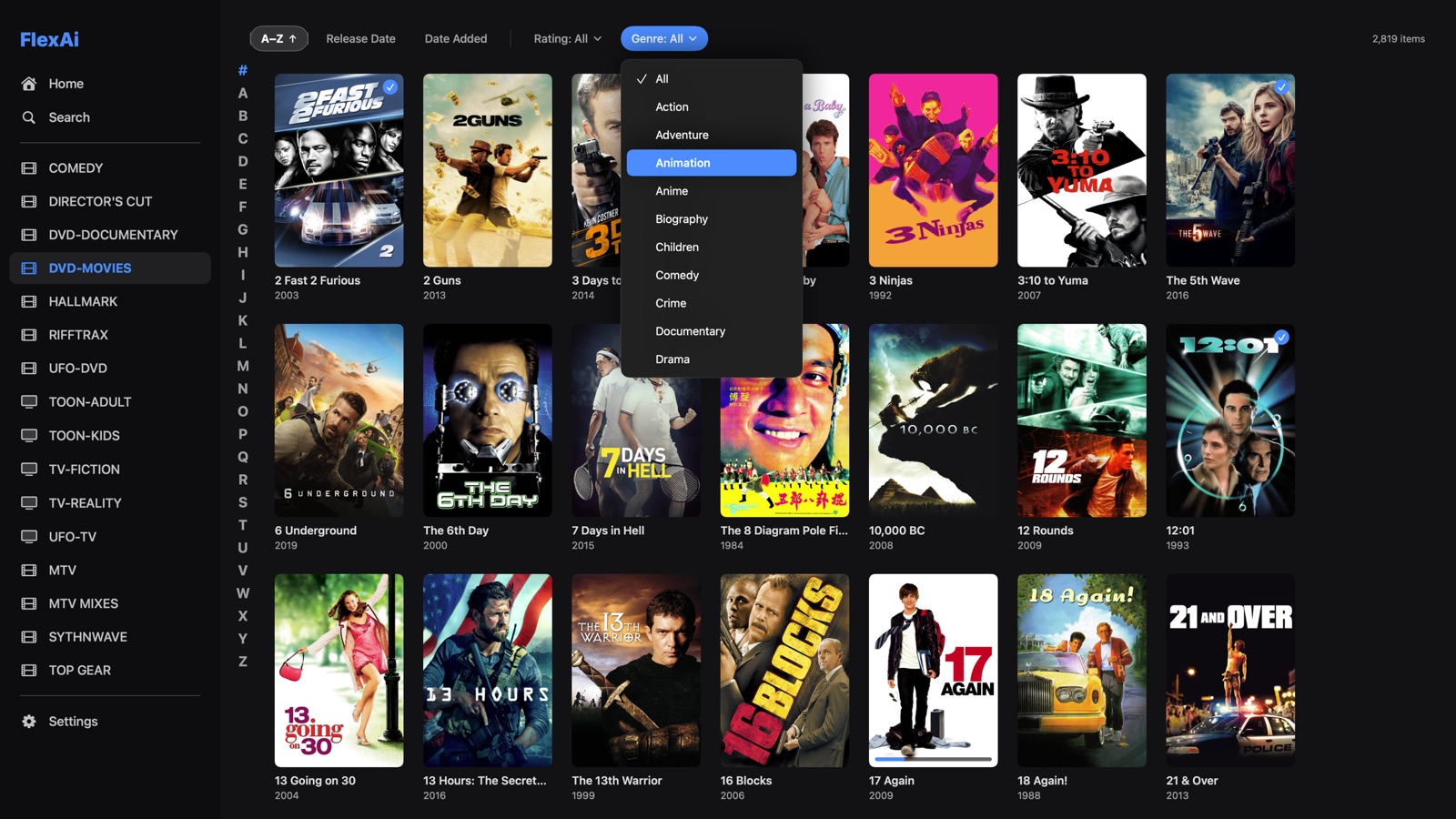
Libraries & searchThousands of titles, sorted and filtered instantly
Thousands of titles, sorted and filtered instantly
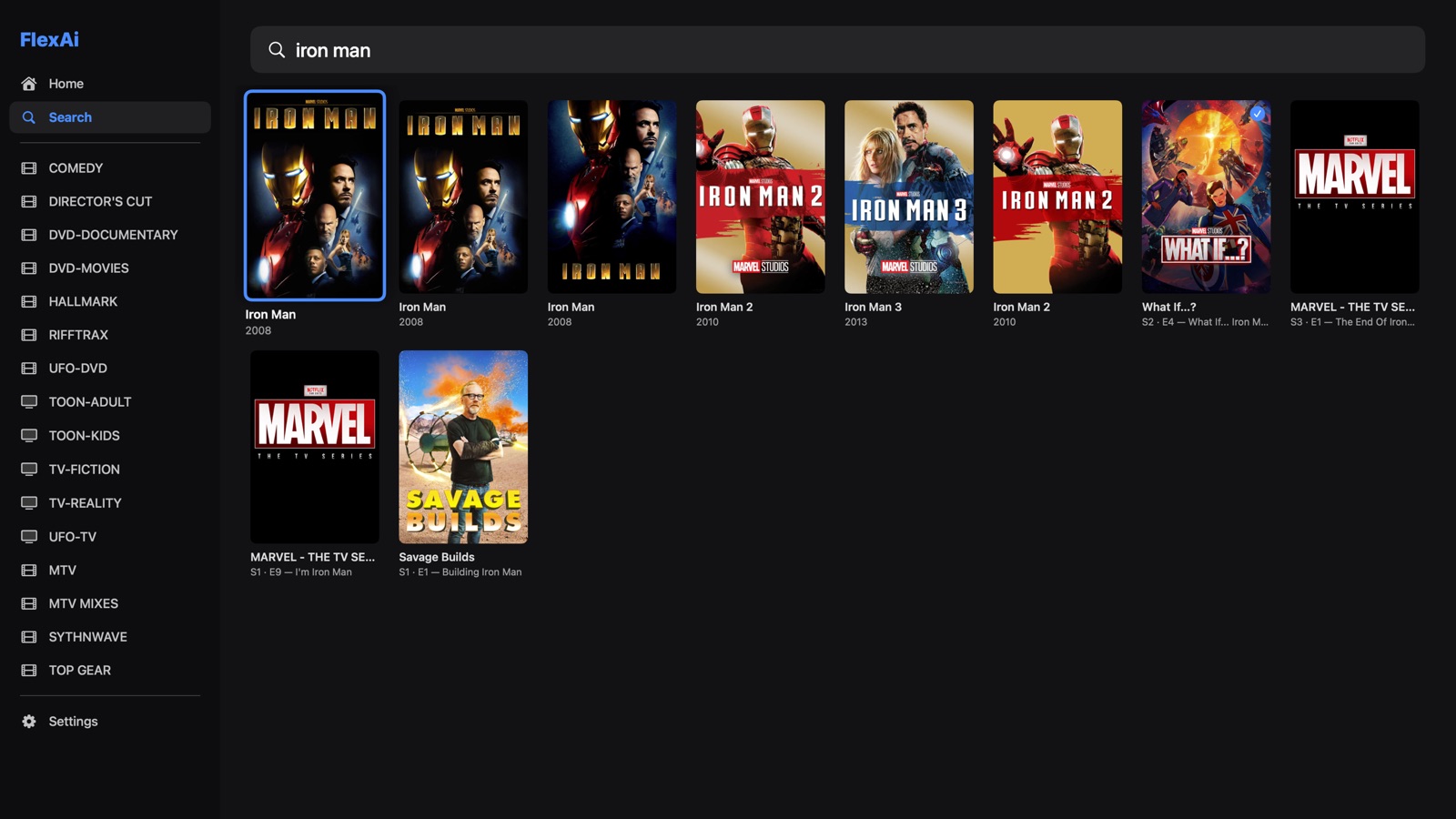
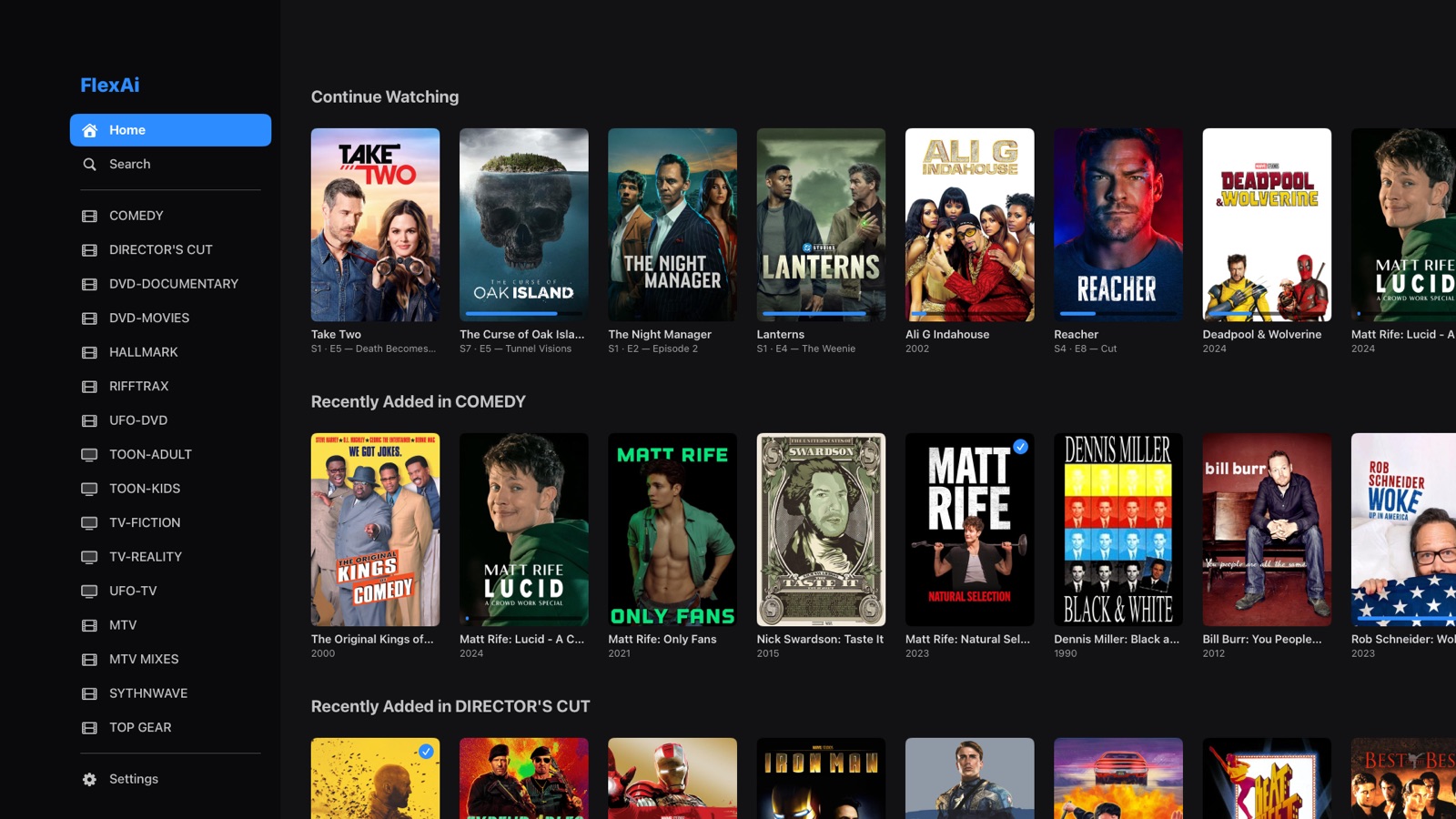
Sort your way
- A–Z, Release Date or Date Added; press again to reverse, with an arrow showing which way
Jump anywhere
- A–Z jump list; on iPhone, drag a finger along the letter strip
Loads fast
- The first screenful appears instantly and the rest loads in the background
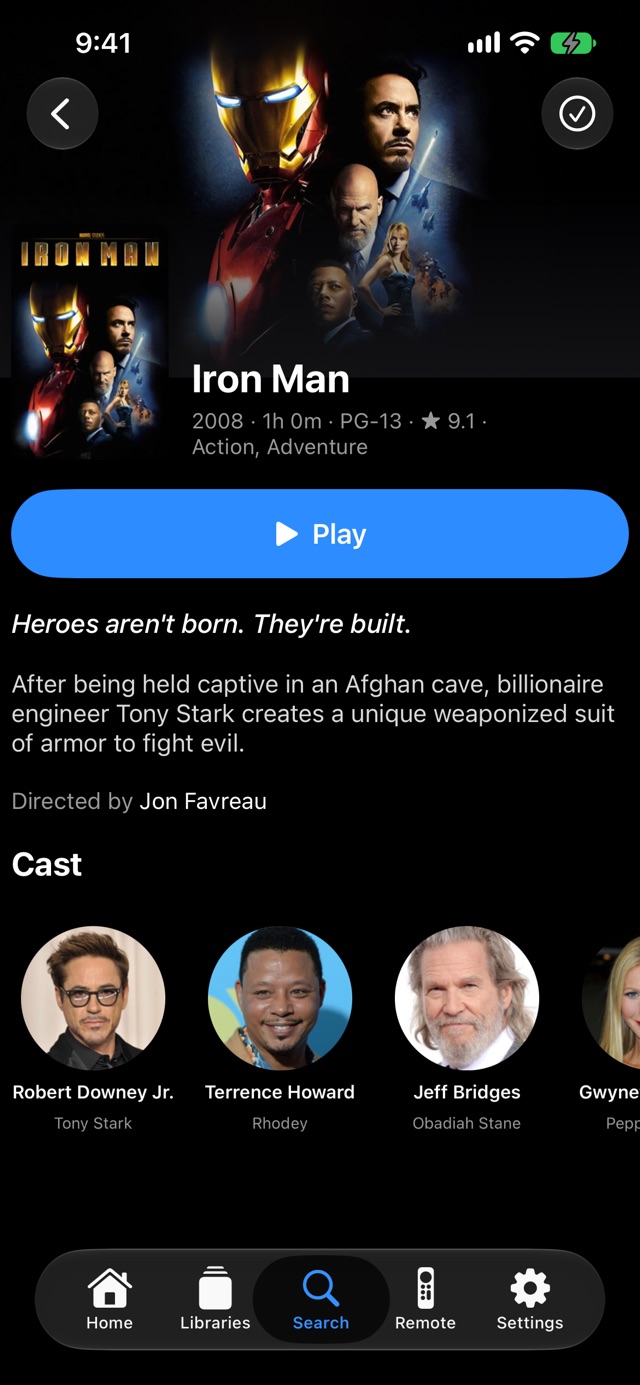
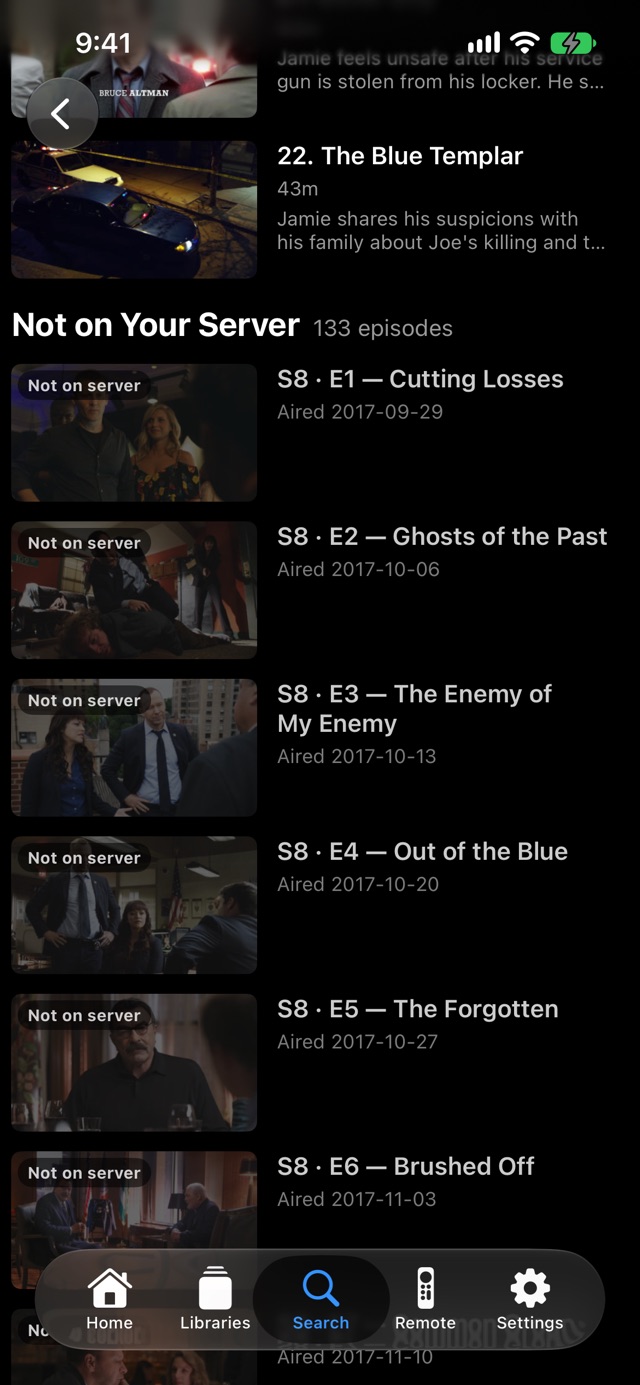
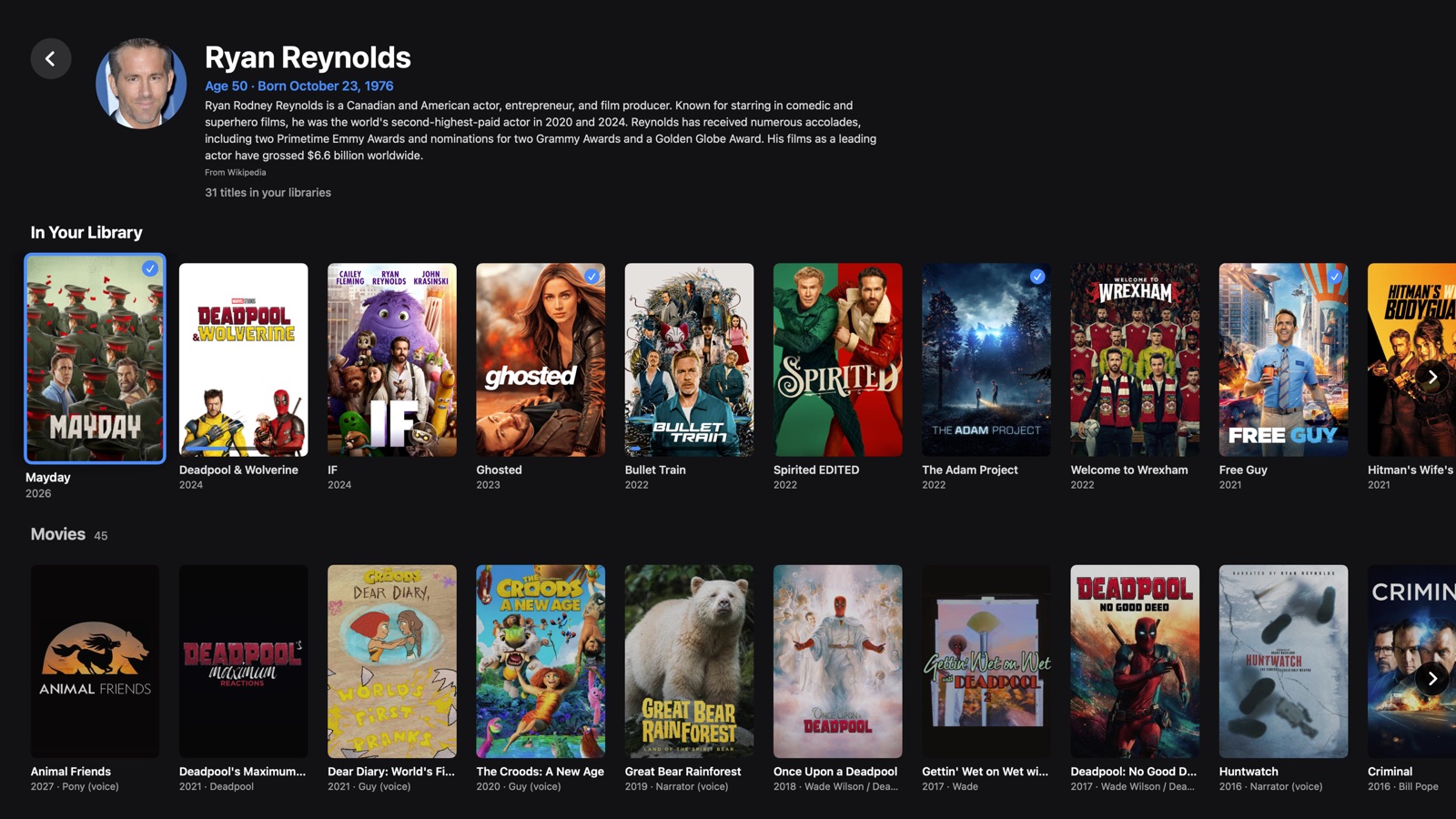
Movies, shows & actorsRich pages, missing-episode lists and full filmographies
Rich pages, missing-episode lists and full filmographies
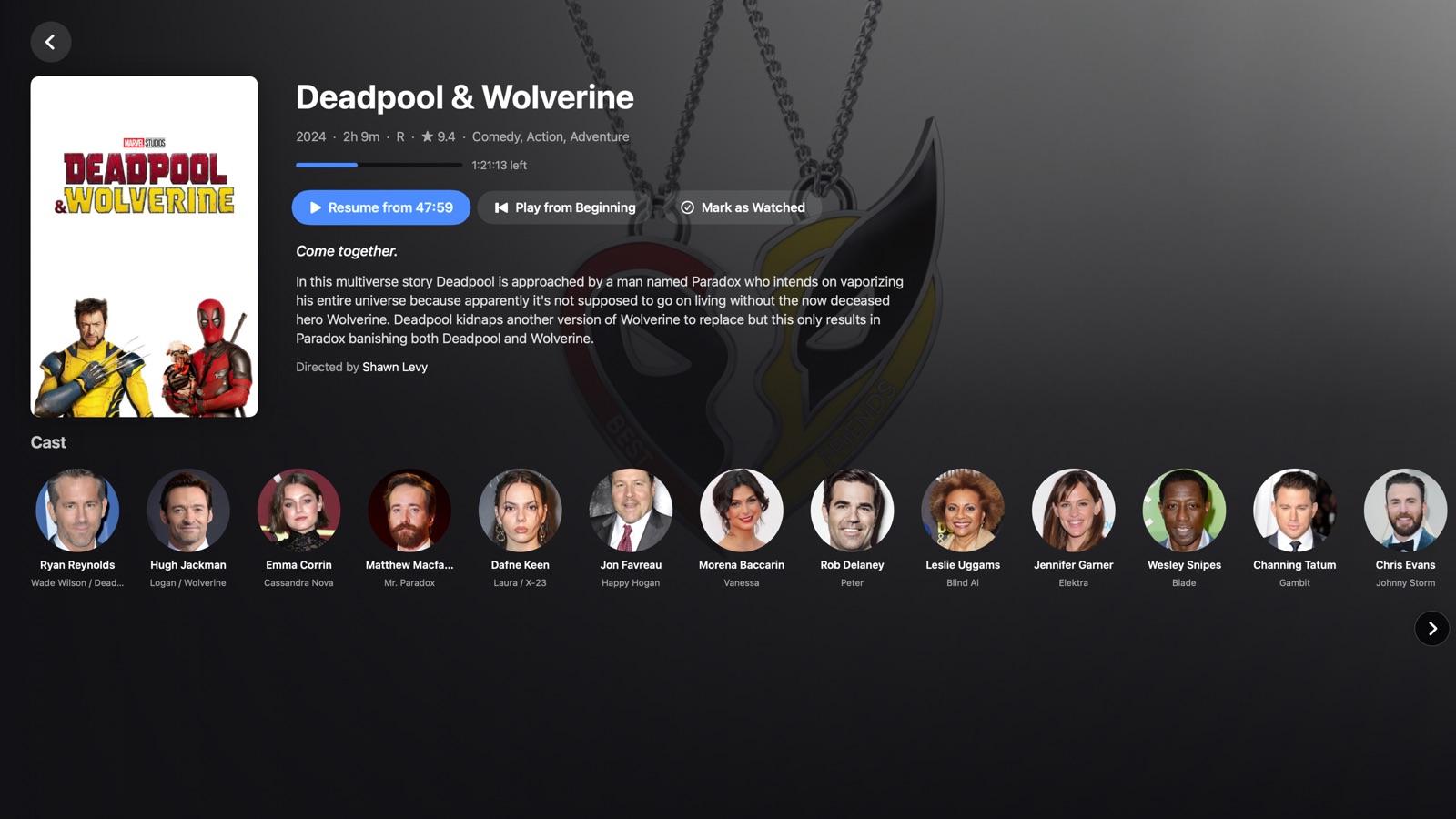
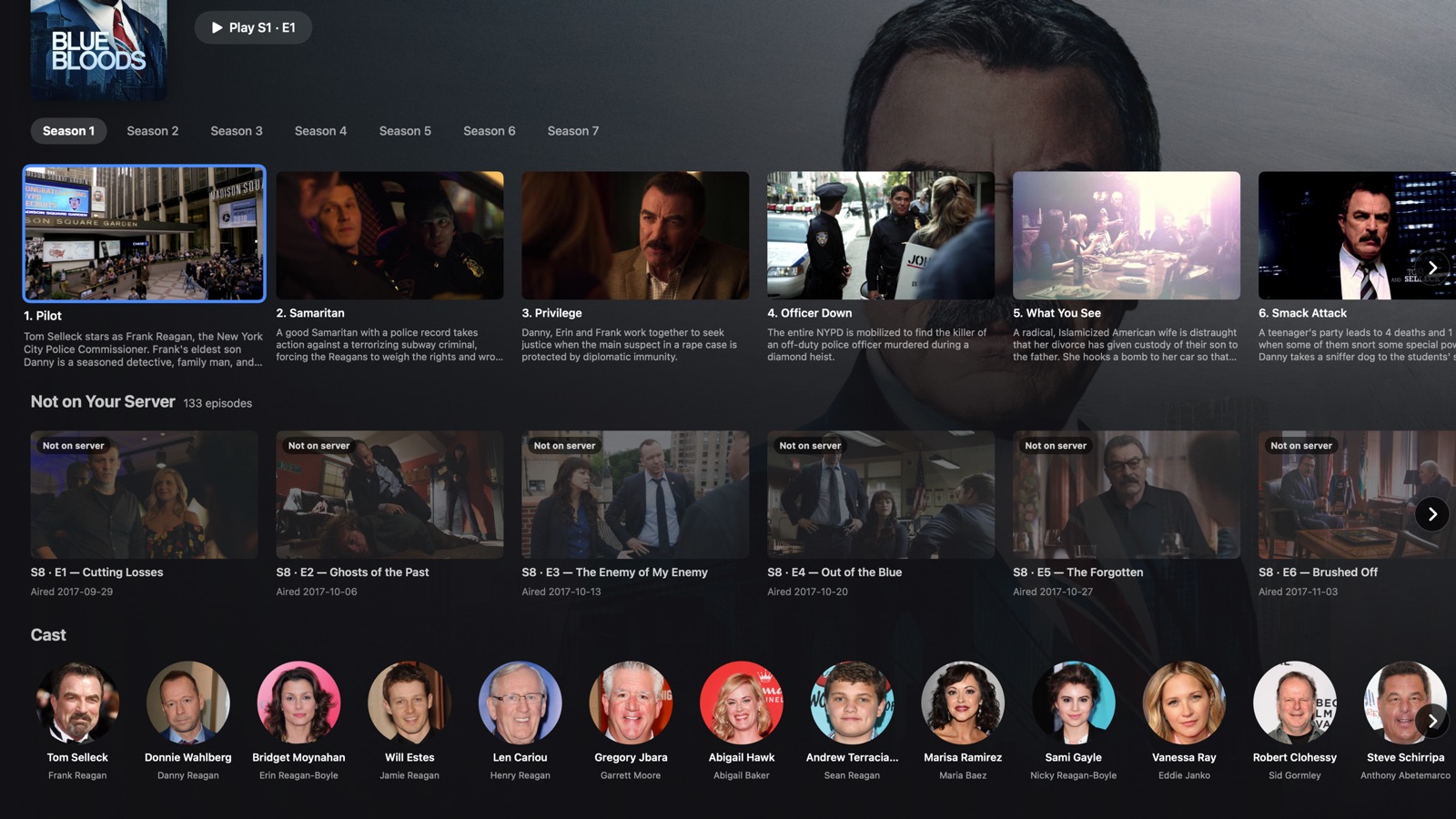
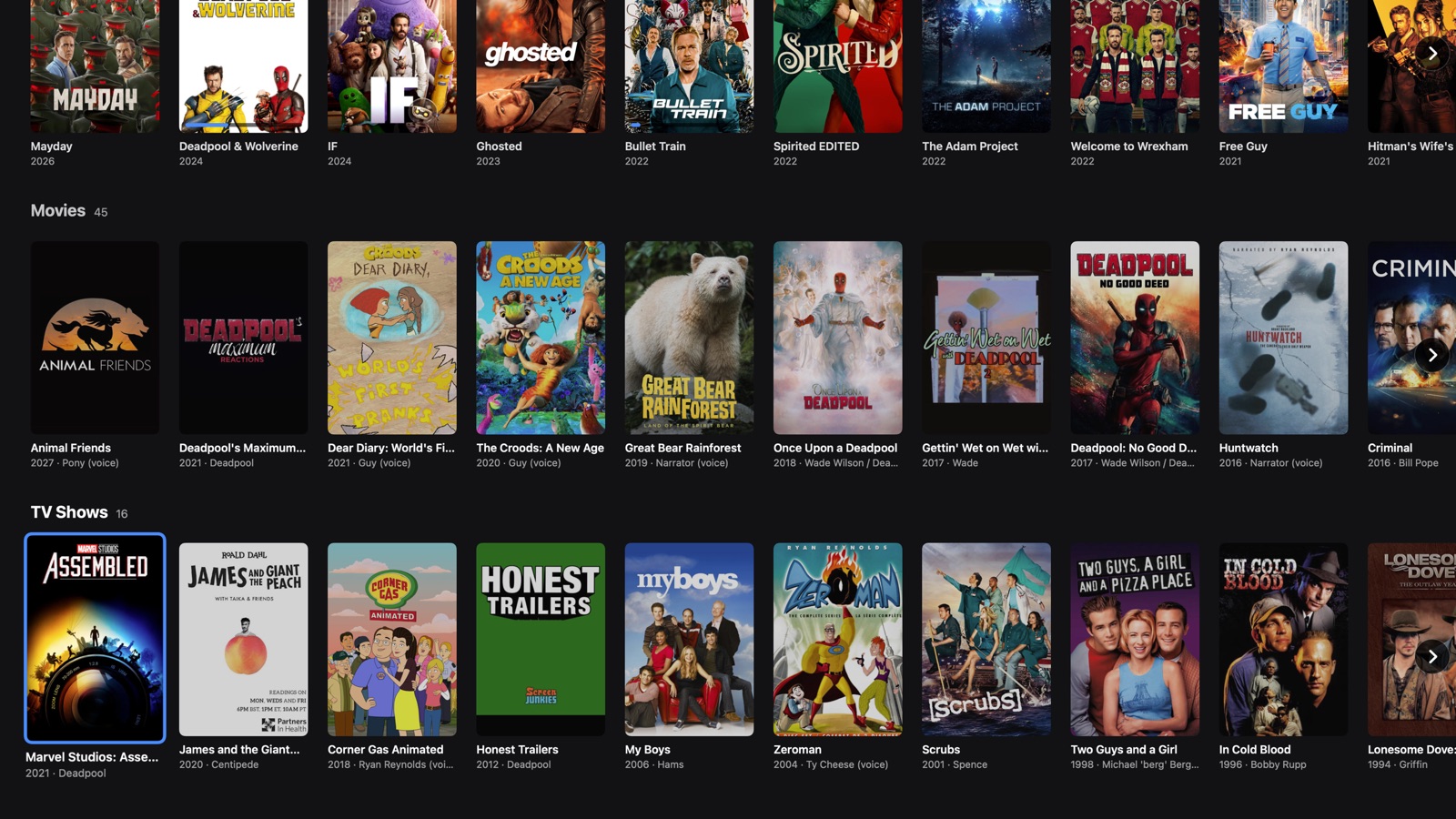
Show pages
- Season picker and episode cards with watched and progress markers
- Missing episodes checked live against Plex’s online catalog, no library scanning
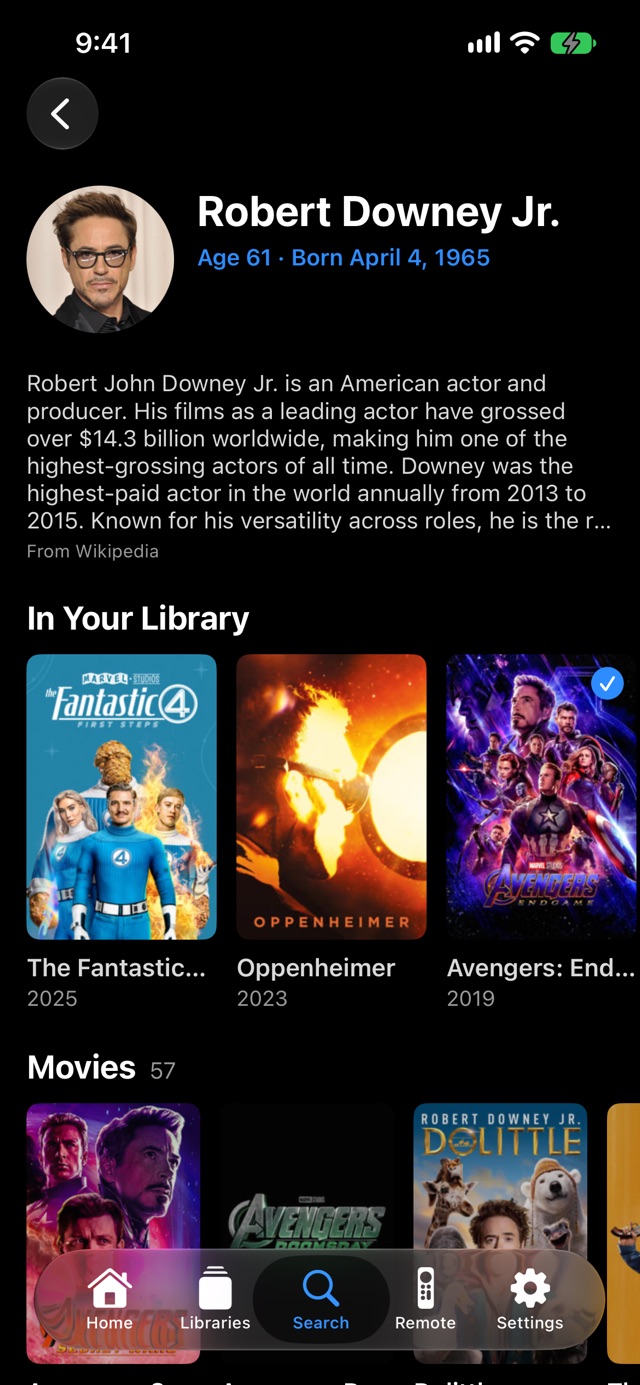
Actor pages
- Every title you own with that actor, even under duplicate entries
- Real acting roles only, newest first, with titles you own removed
PlayerBest quality, resume anywhere, subtitles on demand
Best quality, resume anywhere, subtitles on demand
Smooth playback
- Streams in the best quality the device can play
- Resumes where you left off and syncs progress back to Plex
Controls
- Skip back 10 s, play/pause, skip forward 30 s, timeline scrubbing
Subtitles
- Pick a track, or search online and download subtitles right from the player
Up Next
- Plays the next episode automatically after a 10-second countdown
Remote control & sign-inYour iPhone as the remote, and no passwords in the app
Your iPhone as the remote, and no passwords in the app
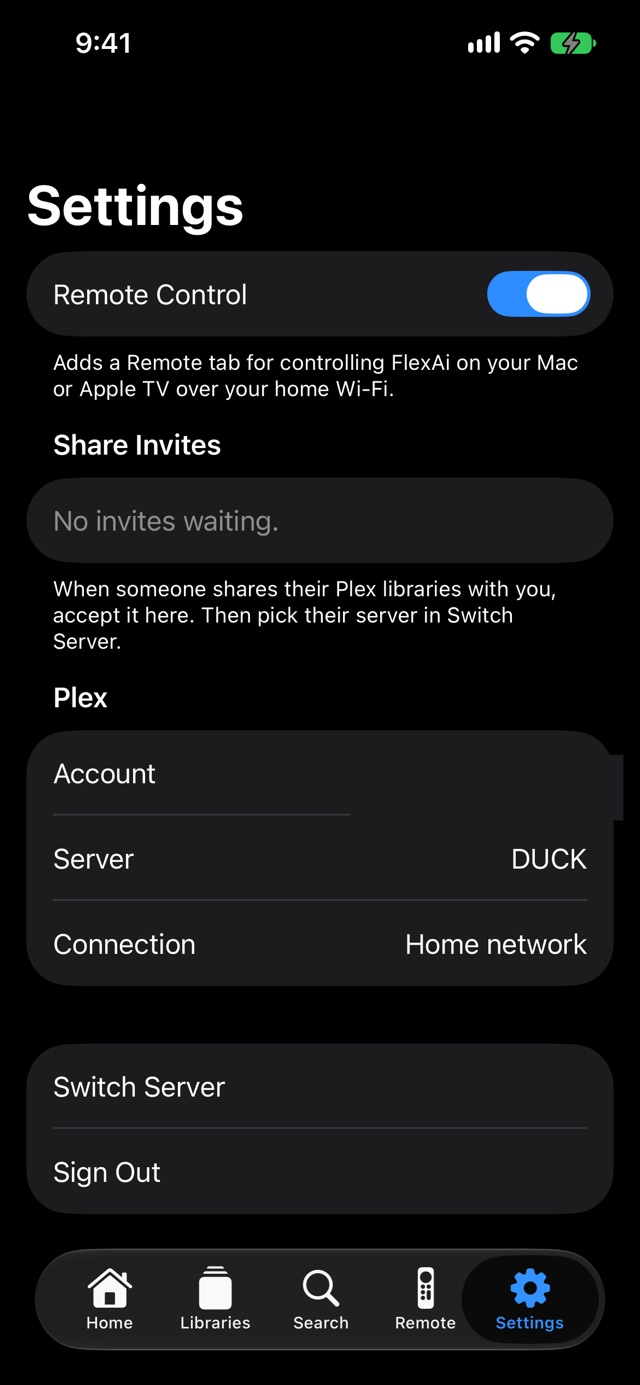
Secure Plex sign-in
- Plex’s official link-code sign-in: a 4-letter code, a QR code, or Plex’s web page
- Kept in the device’s Keychain, never in the app’s code
Finds your servers
- Picks the fastest connection: home network, then internet, then Plex Relay
- Works with your server and ones friends share with you
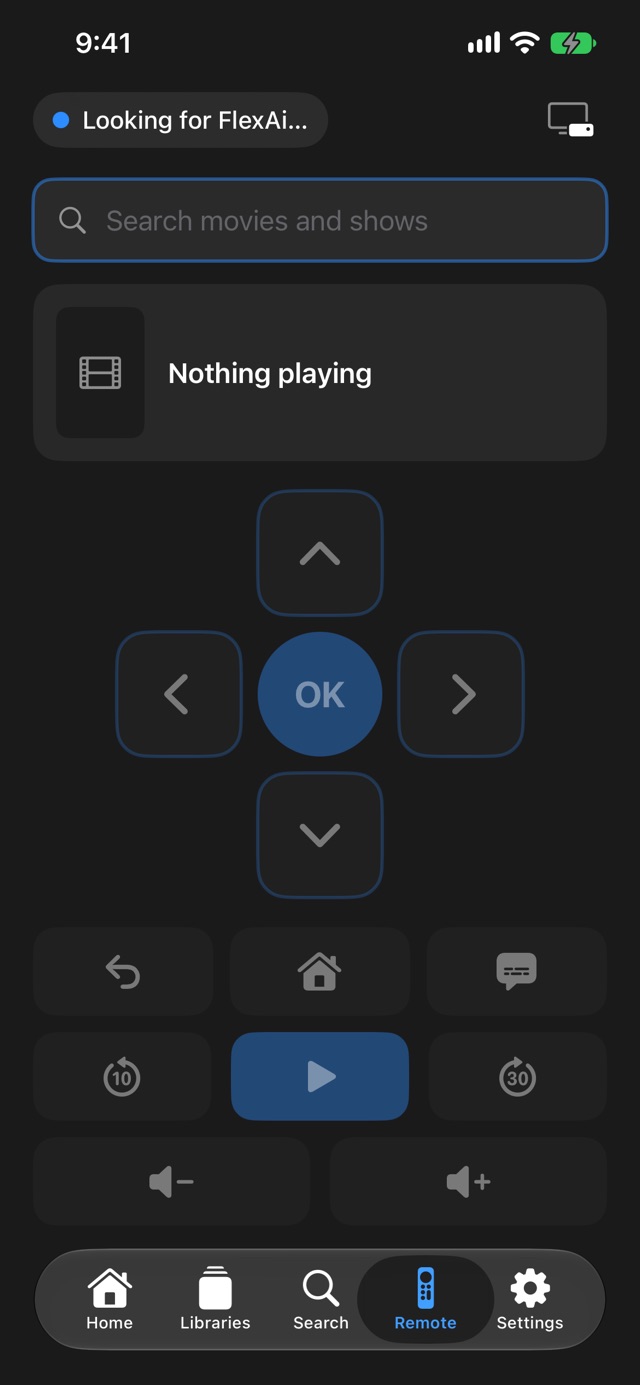
Remote that just works
- Finds FlexAi on your Mac or Apple TV over Wi-Fi and controls it live, with a now-playing card
- The Mac also takes keyboard, media keys and Xbox or PlayStation controllers
Built for each deviceOne codebase, three native apps
One codebase, three native apps
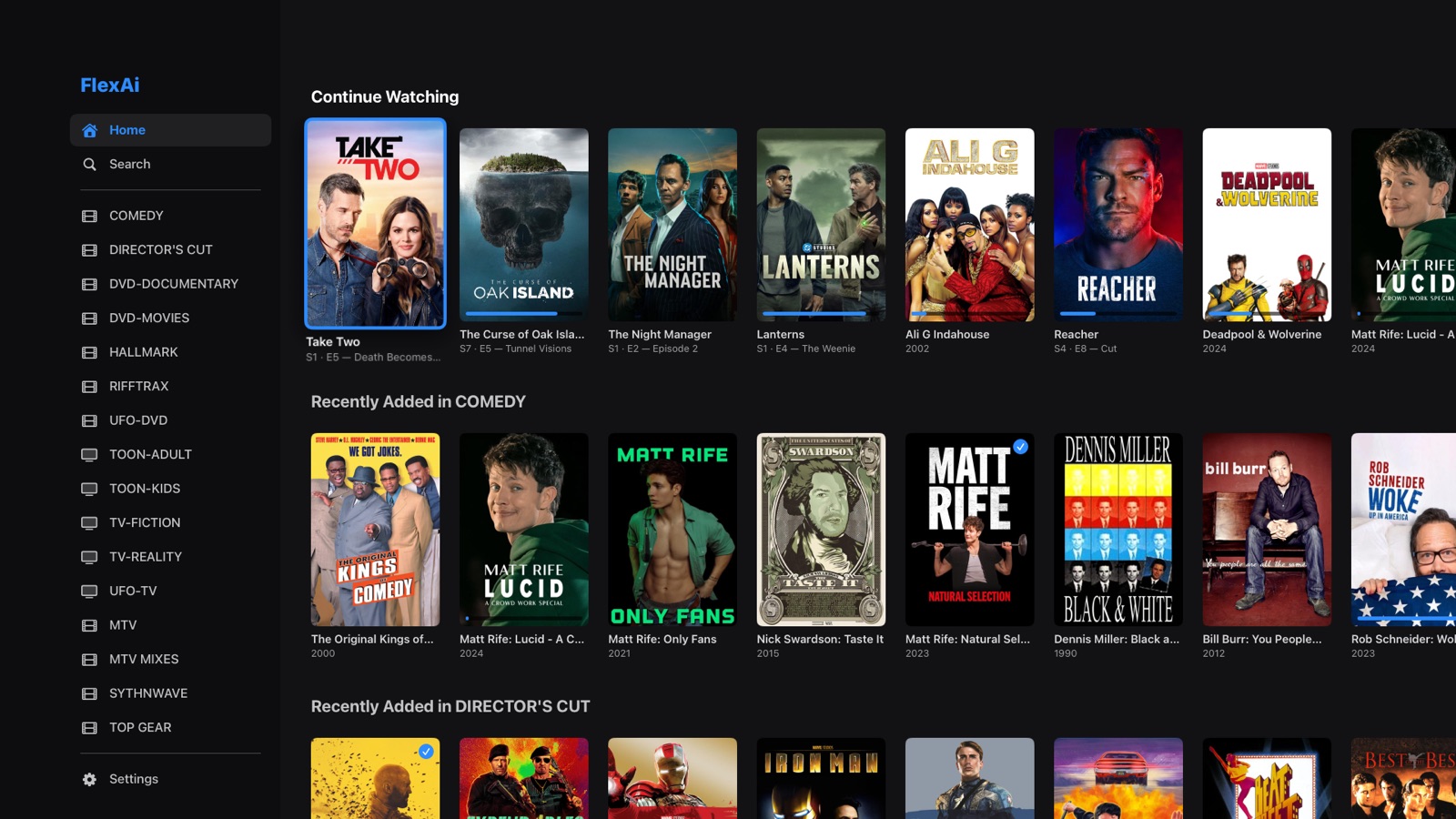
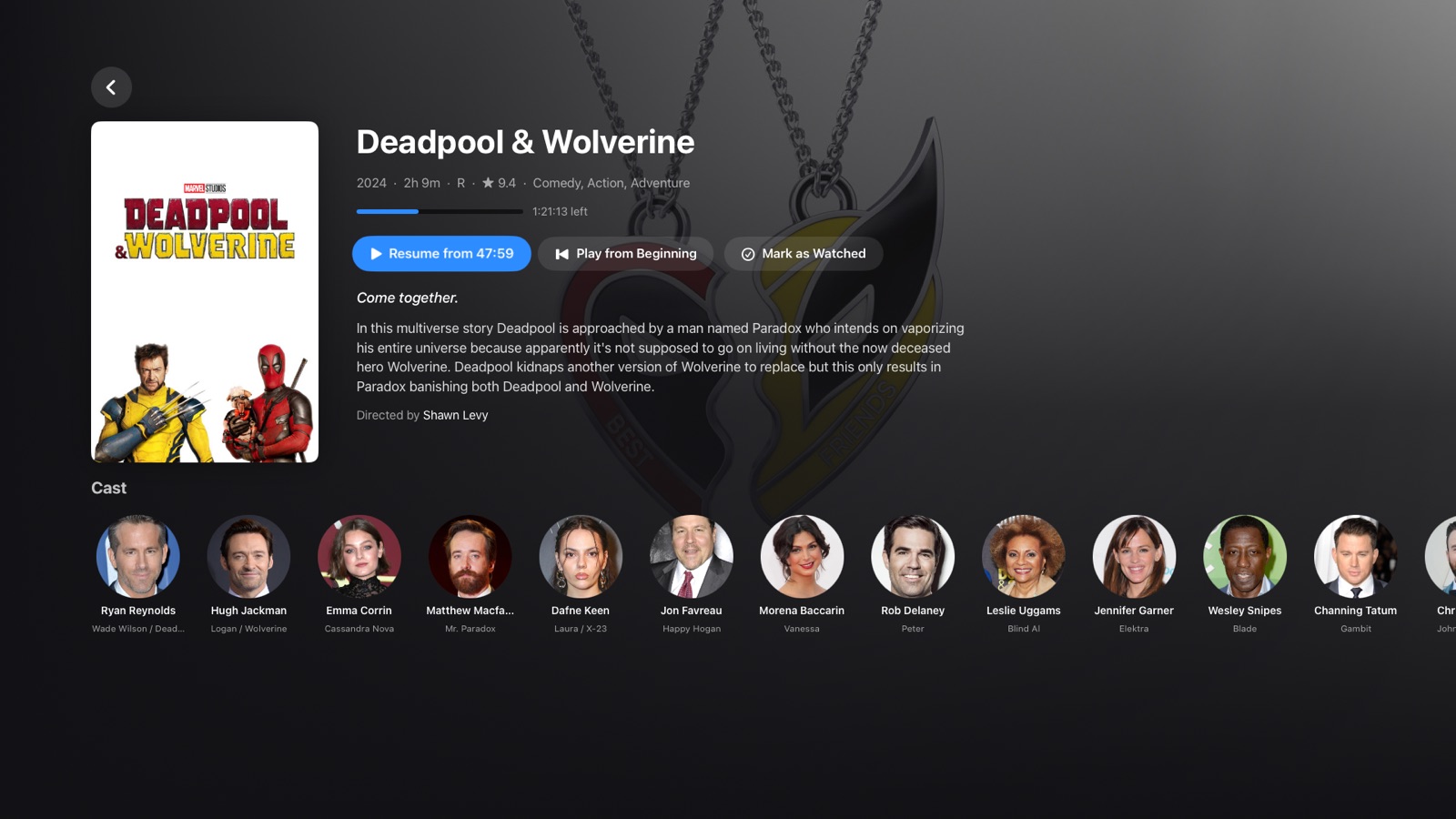
Mac
SwiftUI on macOS 14+: full-screen TV mode, mouse-friendly arrows on every row, big clickable letters.
Apple TV
SwiftUI on tvOS 17+, with automated Siri Remote UI tests in the simulator.
iPhone
SwiftUI on iOS 17+: tabs, swipe back, pull to refresh, landscape video, plays with the silent switch on.
One input model
Siri Remote, keyboard, game controller and iPhone remote all become the same “remote button” actions.
Plex APIs
PIN sign-in, servers, libraries, HLS transcoder, progress sync, subtitle search, share invites, and Discover for filmographies.
Status: the Mac app installs directly; the Apple TV and iPhone apps are in TestFlight.

HiFAi
The podcast app that removes the ads

DEFCON Todo
The to-do list ranked by urgency
Clubtronix
Music-video show system for venues

YOOTUBE
YouTube, minus the noise

SkateFM
Skate jams 24/7 with live DJs

R1NK
The all-in-one rink platform

QuantiphAi Vault
Lets your AI sign in for you

Cupertinoo Clock
The AM/PM widget for iPhone
Switchboard
400+ Mac settings in one app
Get in touch
Questions or ideas about our apps? Want a HiFAi TestFlight invite? Email us.
mail@quantiph.ai